Counting Down to the 2028 50th Anniversary of my first published book (September 23, 1978)
Happy 2026!
It is our 30th anniversary here at Space Dock 13!
On the web since 1996!
You have encountered an extremely old website that continues to exist in old web ways, the same way it has done for now three decades.
In spite of being now 30 years old this year, started in 1996, it is still heavily active and old pages updated daily, new pages added daily, still now in 2026. All hand written, all hand coded (no AI), all by me, same as it ever was.
We Still Exist: The Old Web Did Not Go Away, You Just Forgot How To Find Us
|
This site was NOT designed for mobile devices (as they had not been invented yet when I created it) thus this site looks best on a computer, at 1280x768 or above. |
This is a very old website created in 1996, so, yes, javascript is needed for the site to work as it should. If things don't function, you may need to update javascript drivers on your device |
This site tries to be mobile friendly but it's been online since 1996, so old pages may not load right on mobile devices, and as this site has had pages added near daily for 30 years there are now over 20k pages here. |
Having started out in life as a GeoCities site, this site contains glitter, bright colours, blinkies, moving gifs, and other things the old web was known for. |
Passive Social Media:
Adding Follow Icons To Your Site
|
|
|
|
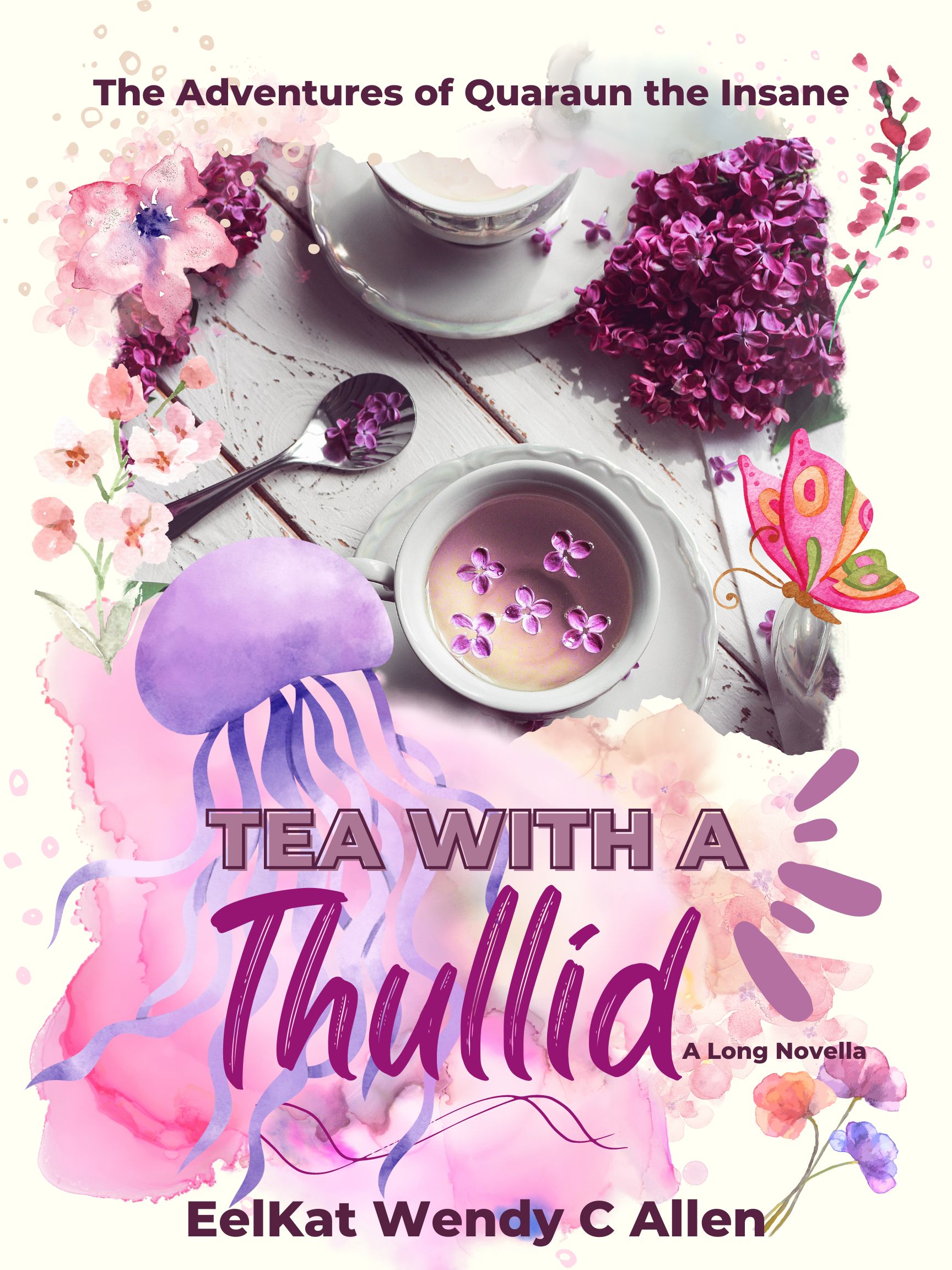
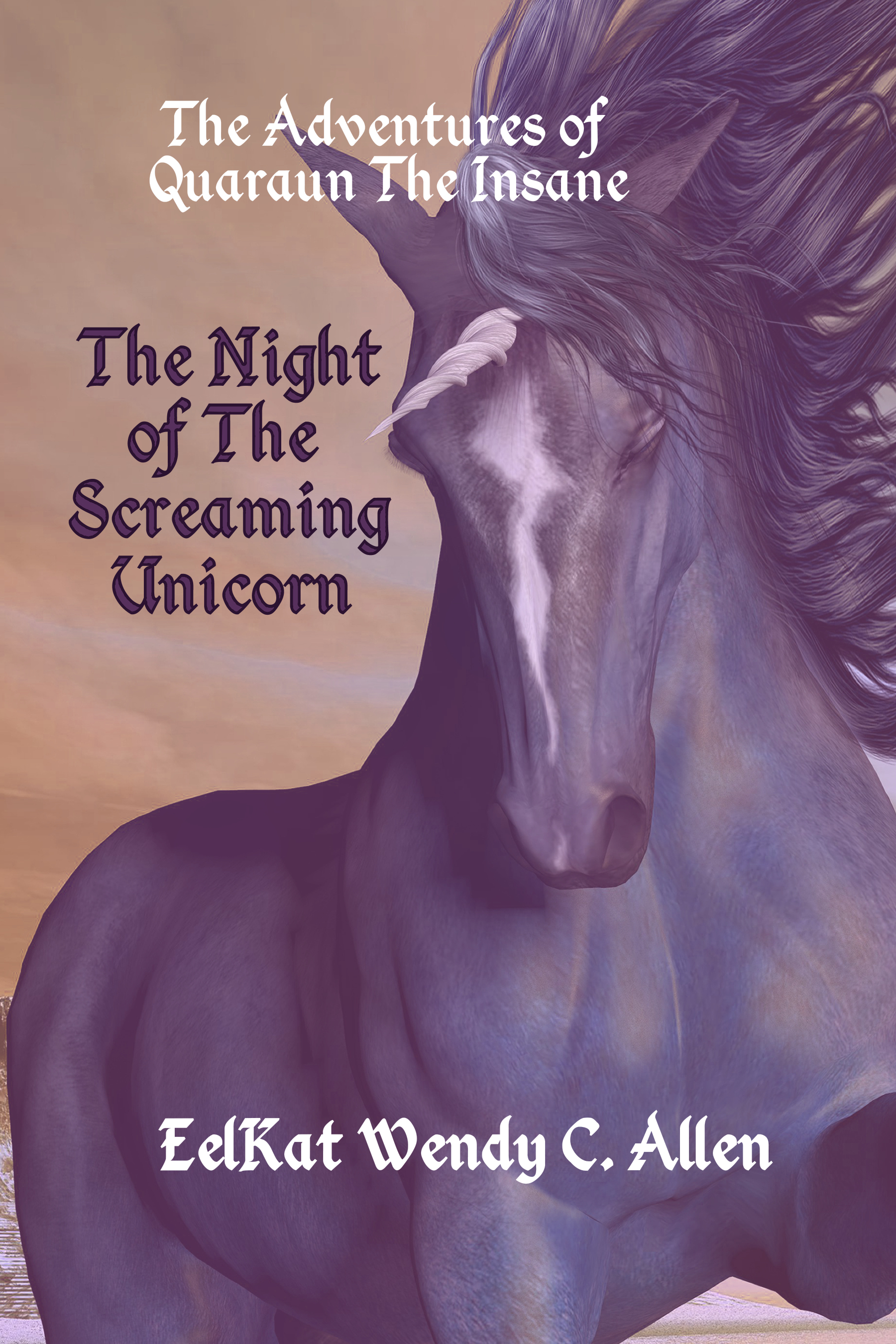
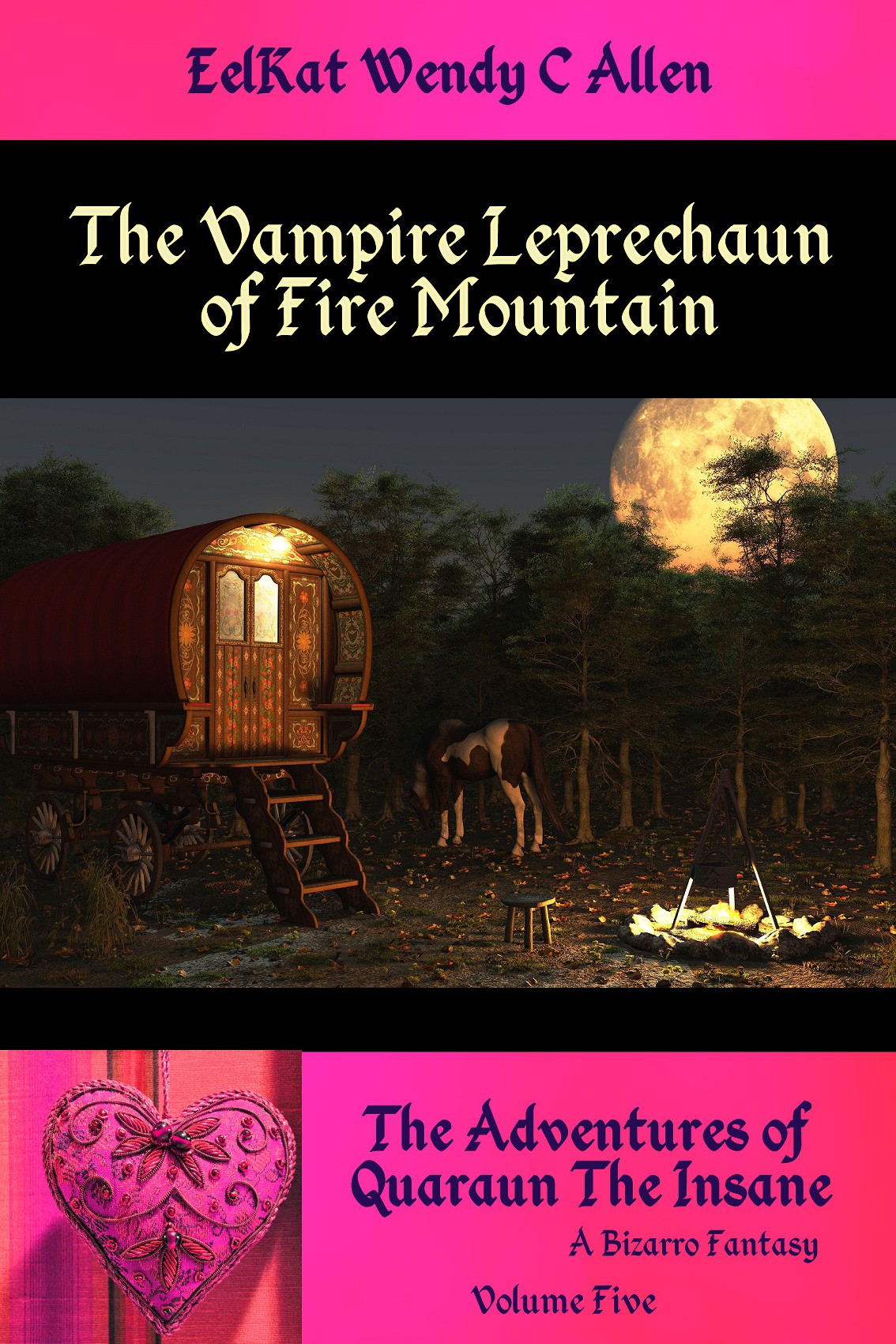
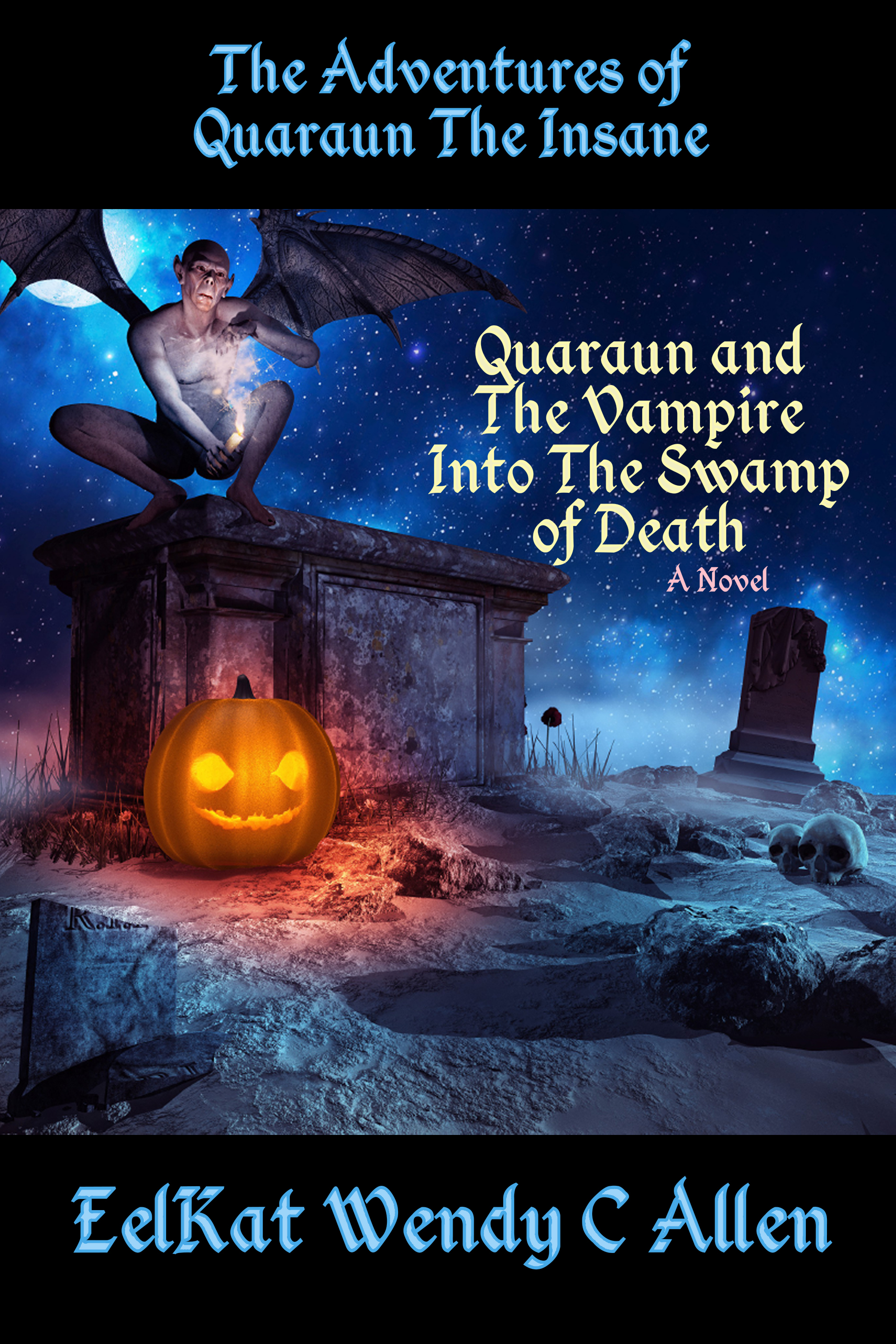
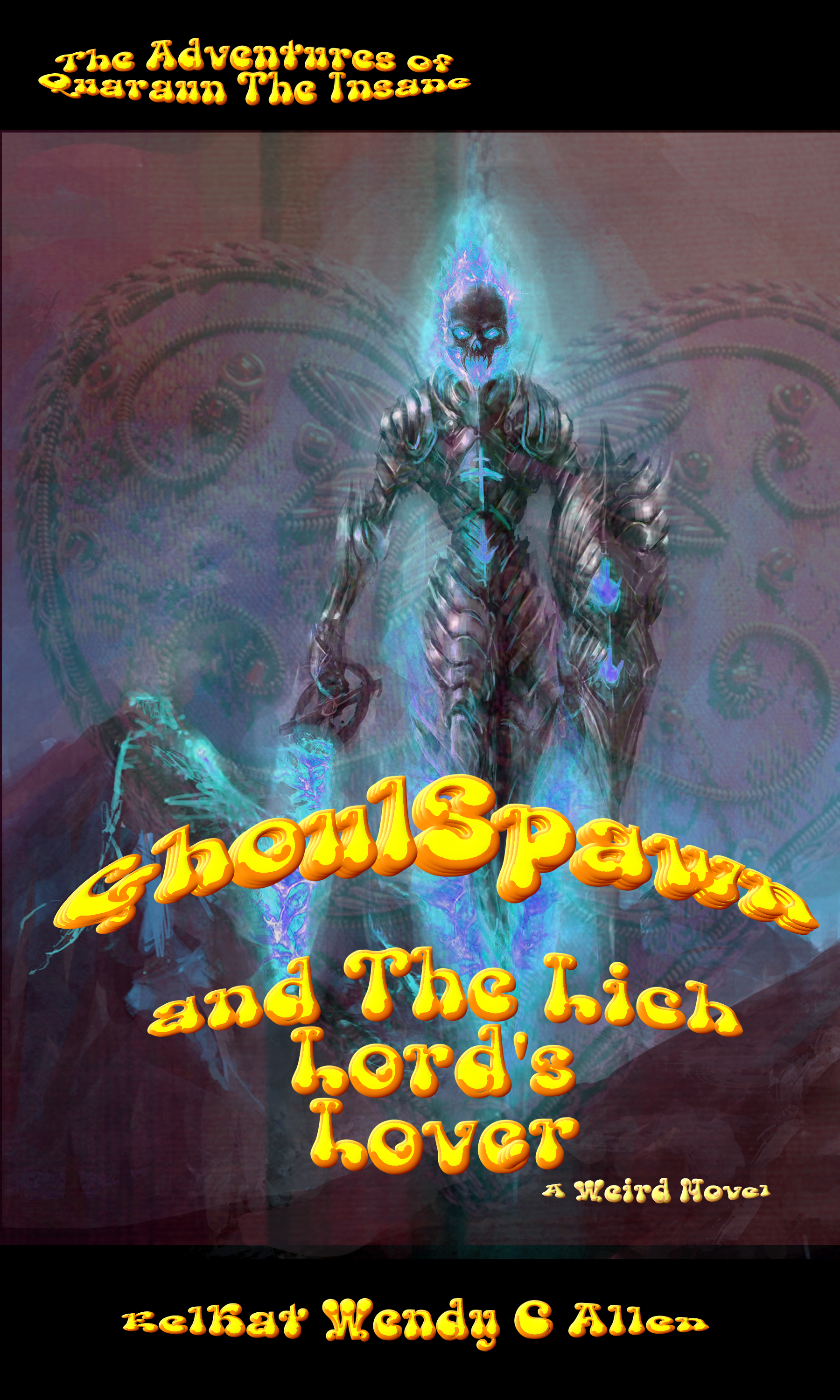
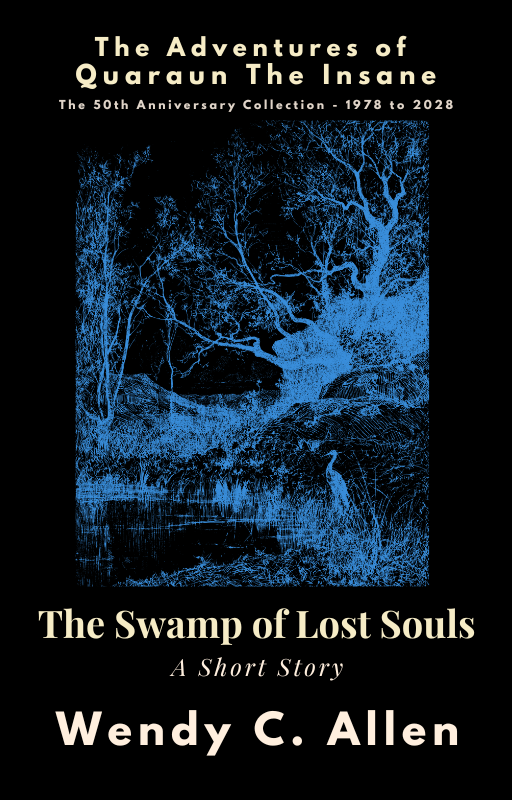
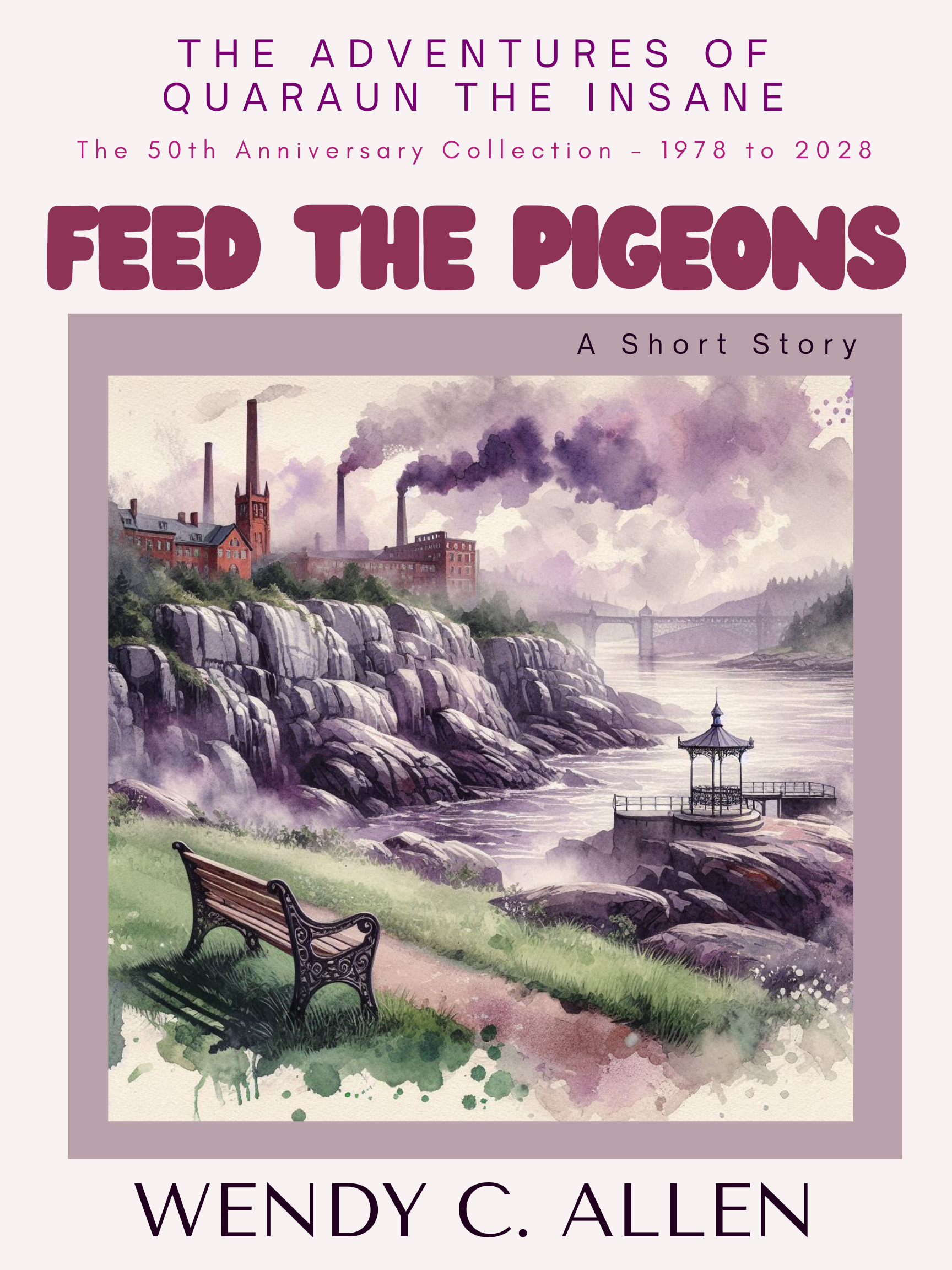
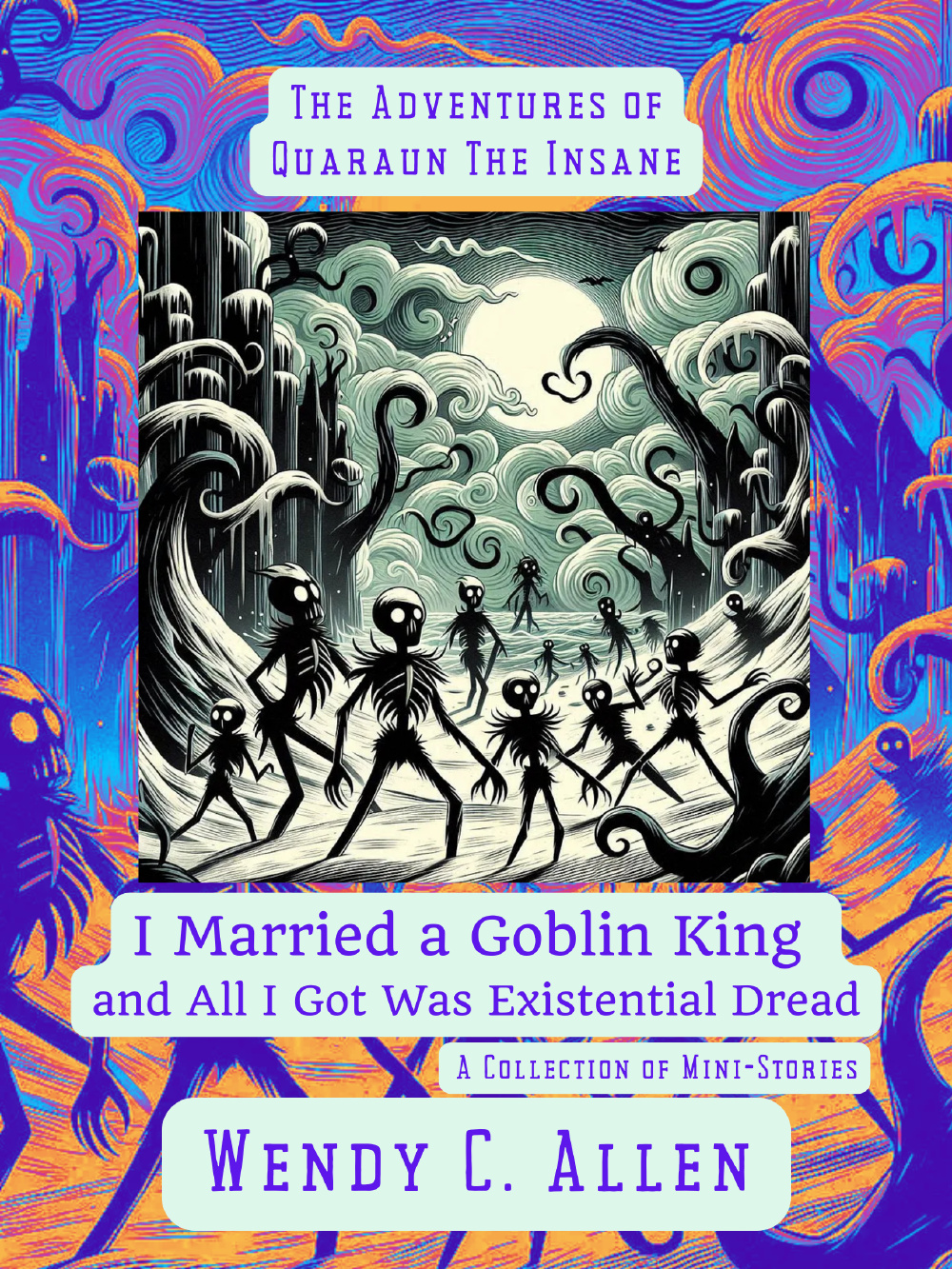
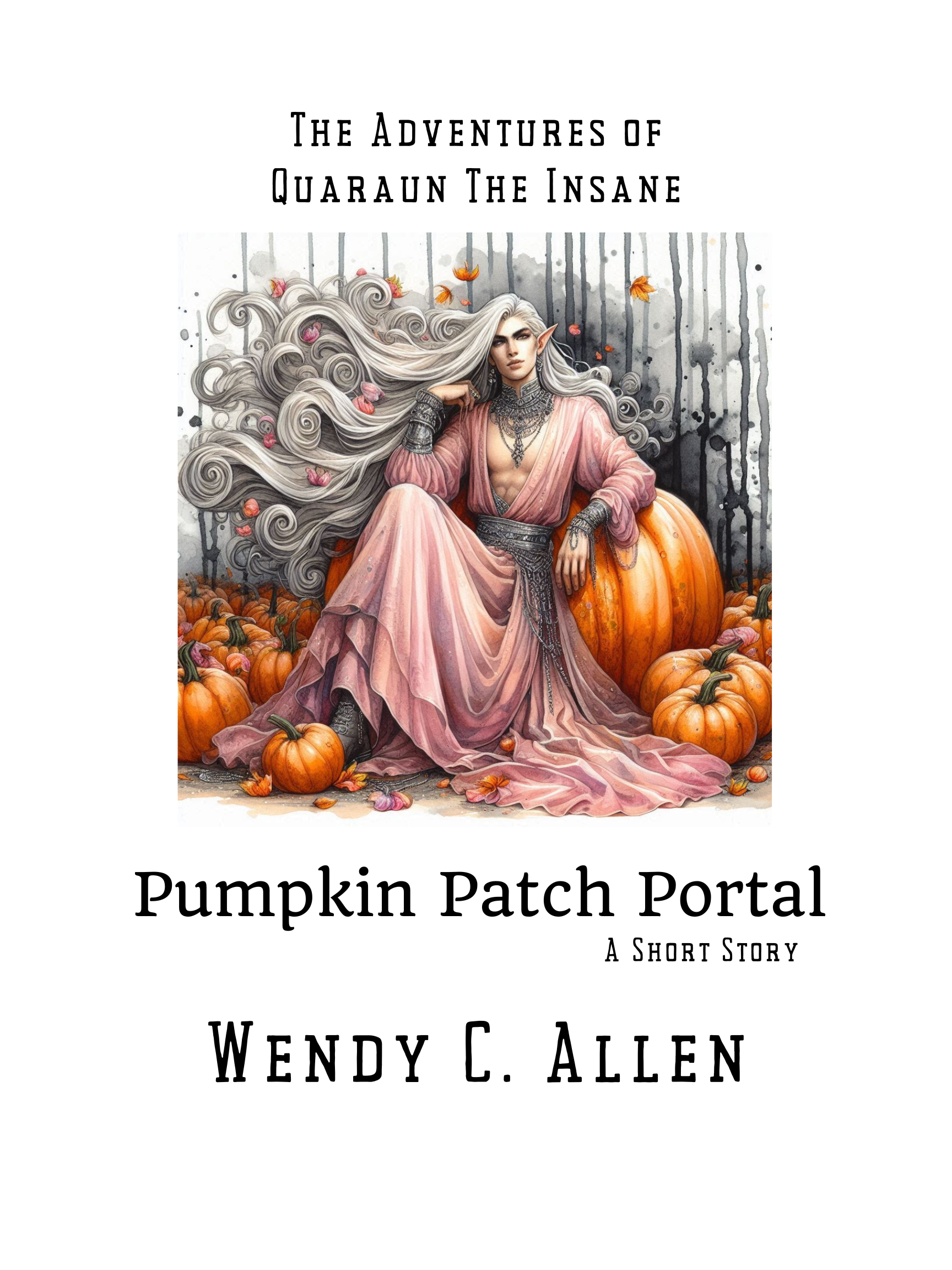
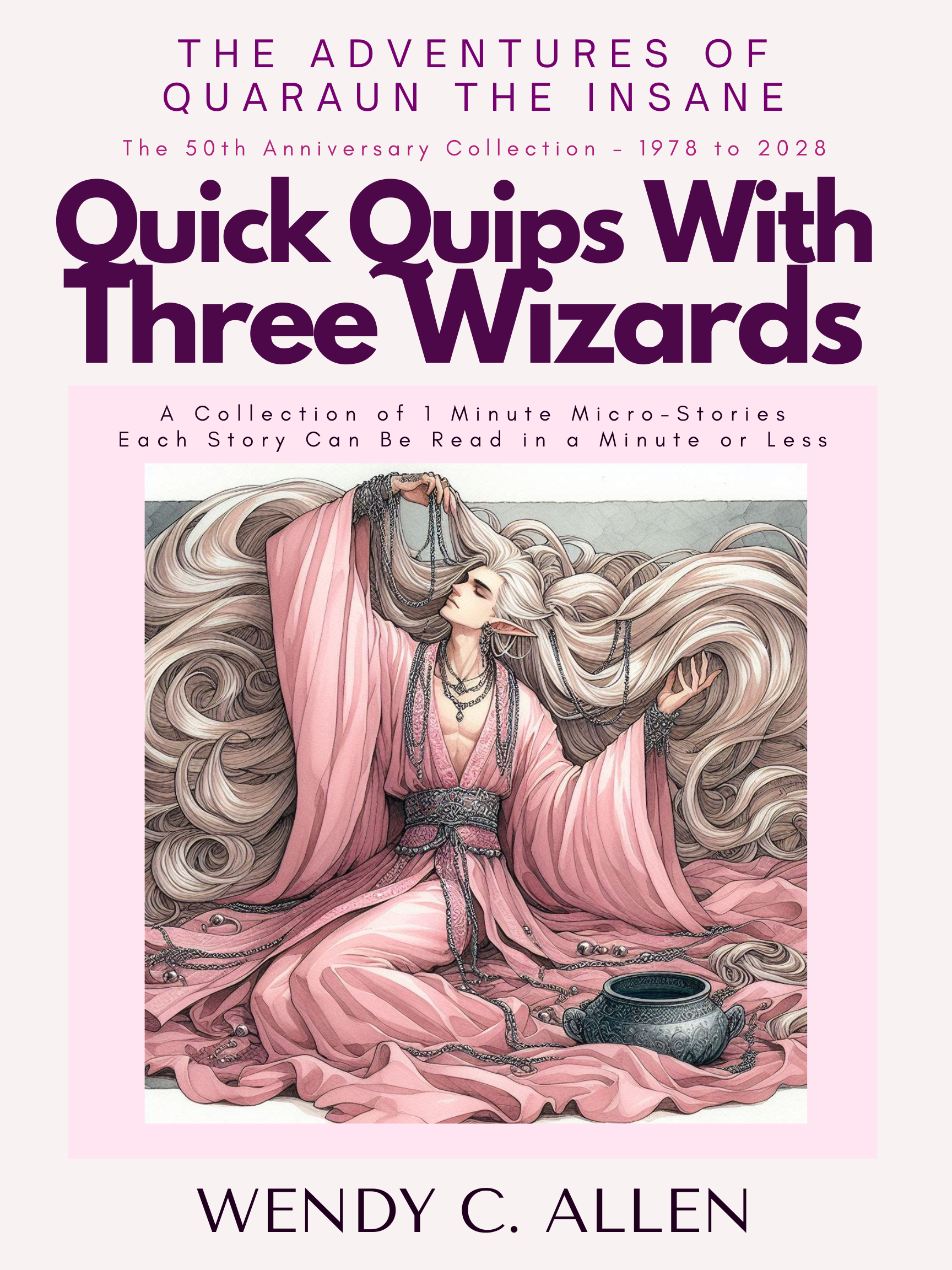
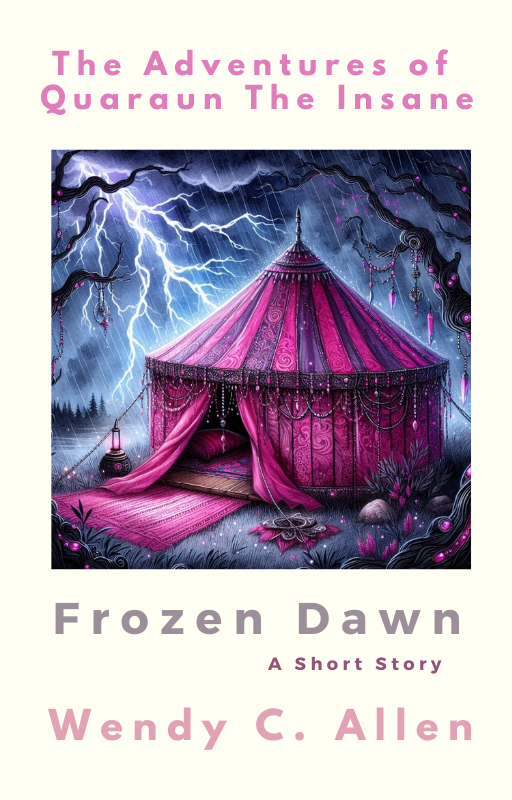
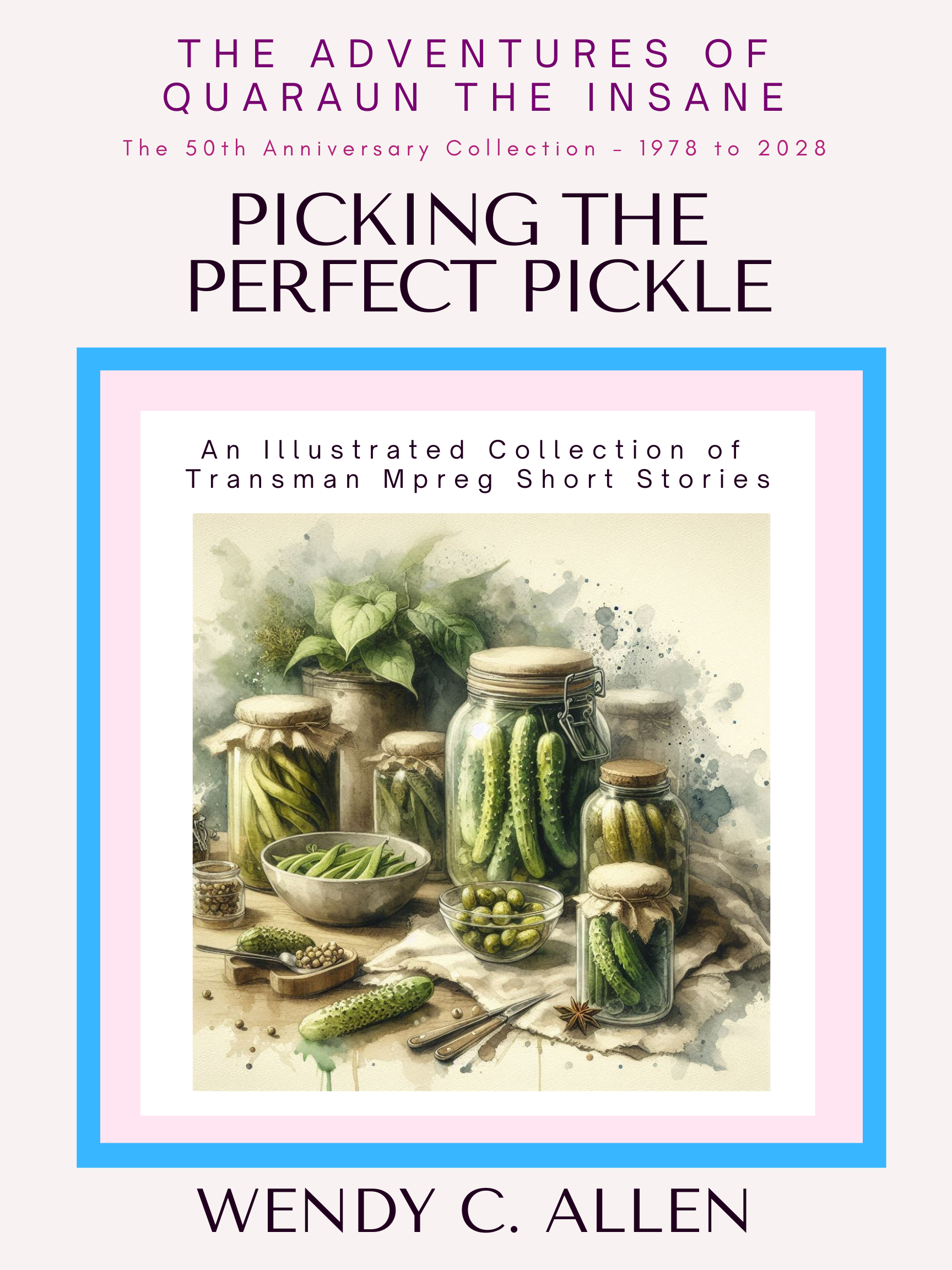
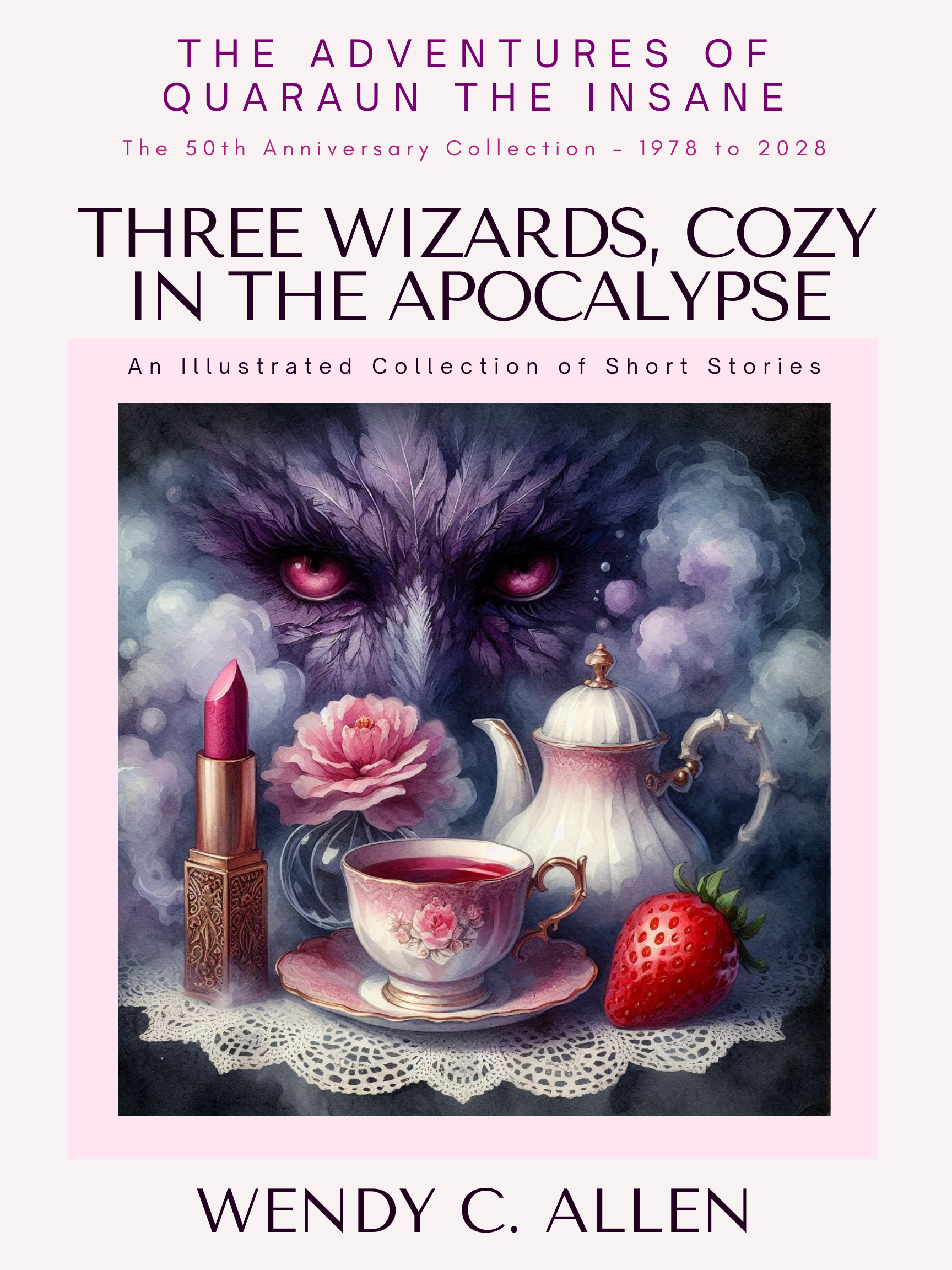
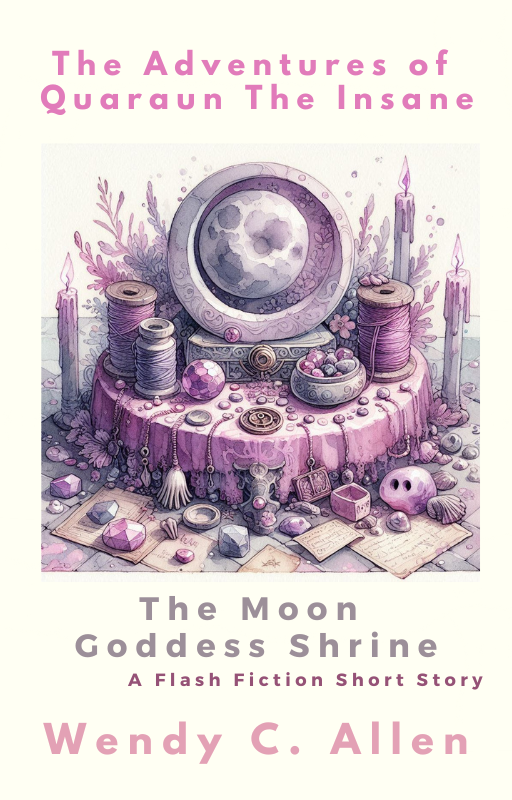
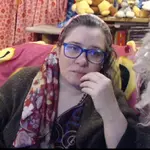
 Wendy Christine Allen, 2019, able to sit up in a chair for the first time in years, and able to raise up my arm and wiggle fingers. This was when I started playing Witcher 3 on Twitch as part of my physical therapy to regain finger movement. Playing Witcher 3 daily from 2016 to 2019, is how I regained the use of my thumb and two for fingers on my right hand... it is also why I stopped playing Witcher 3 in 2019, once I had strengthen my two forefingers enough to start typing again. Wendy Christine Allen, 2019, able to sit up in a chair for the first time in years, and able to raise up my arm and wiggle fingers. This was when I started playing Witcher 3 on Twitch as part of my physical therapy to regain finger movement. Playing Witcher 3 daily from 2016 to 2019, is how I regained the use of my thumb and two for fingers on my right hand... it is also why I stopped playing Witcher 3 in 2019, once I had strengthen my two forefingers enough to start typing again.Wendy Christine Allen, Old Orchard Beach's Autistic Author, Artist, Illustrator, & Art Car Designer Counting Down to the September 23, 2028 50th Anniversary of my first published book (September 23, 1978) If you are here looking for The Twighlight Manor series, The Crystonite Wars series, The Wild Years series, The White Rock Asylum for the Criminally Insane series, The Twisted Tales series, the Captured By a MerMan series, The Space Dock 13 series, The Kats of Planet Ptarmagin series, the stories about Miss Citten the Eel-Kat, or the stories about Etiole... ALL of those series were combined and consolidated into The Adventures of Quaraun the Insane Pink Necromancer series in 2014, so ALL the different series, are now under one series title. List of the published titles still in print: The Index of over three thousand stories in The Pink Necromancer series What the series is about, for those new here: |
If you want some stories to get you started in The Pink Necromancer series, reading these first will give you a good introduction to the 3 main characters:
|
My Elves Are JellyFish...and I asked Google AI and ChatGPT 5.6 what they thought of this.
As requested, my daily writing prompt series is now available print paperback editions on Amazon.

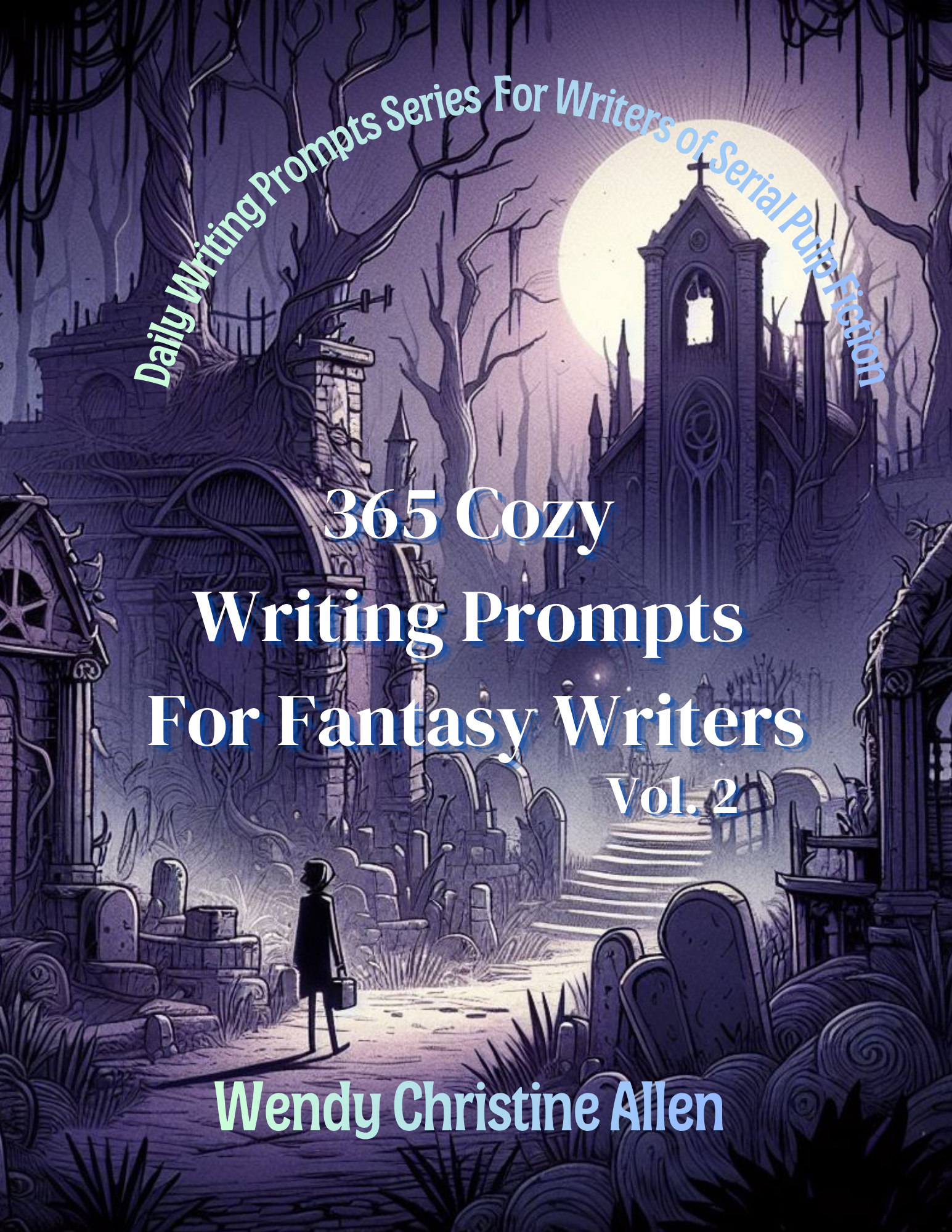
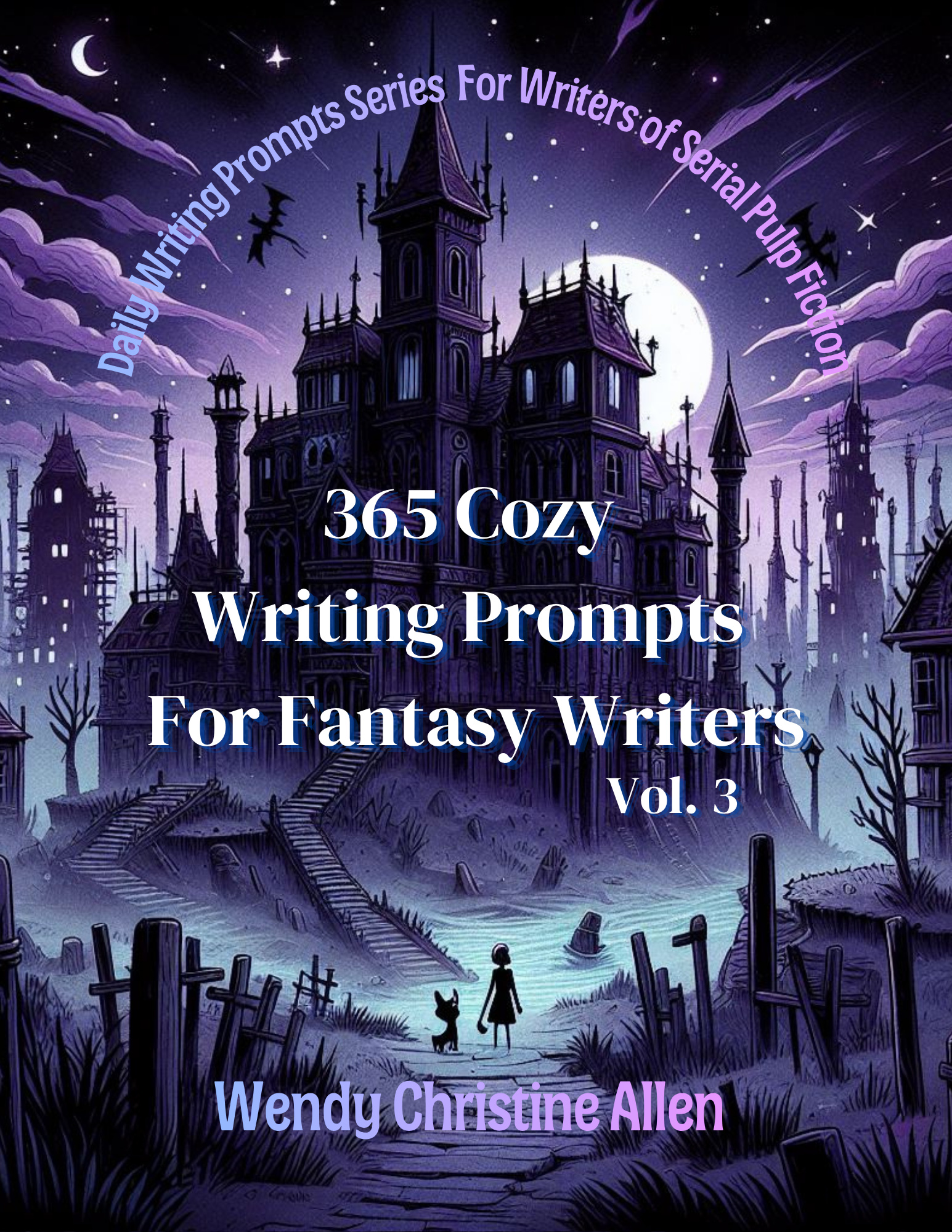
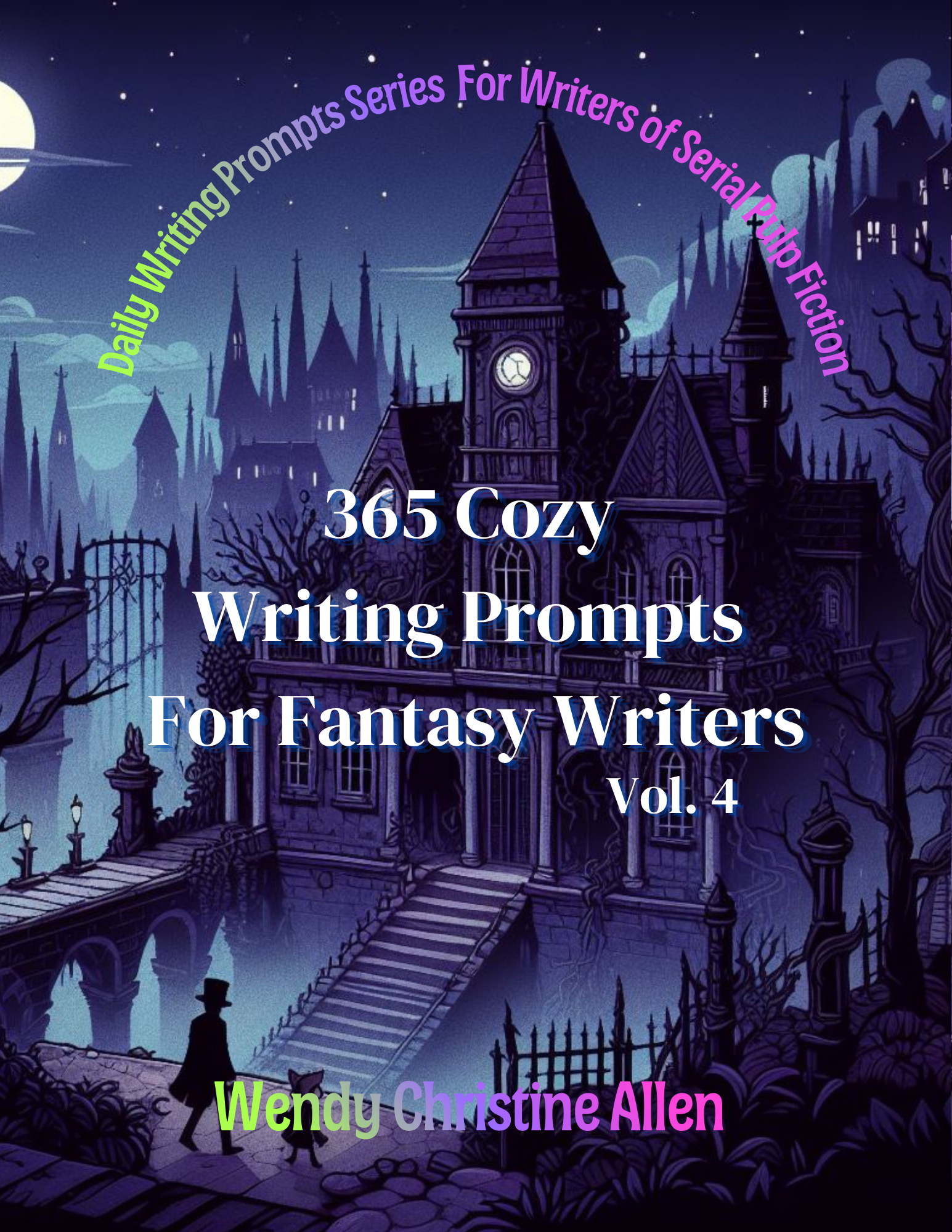
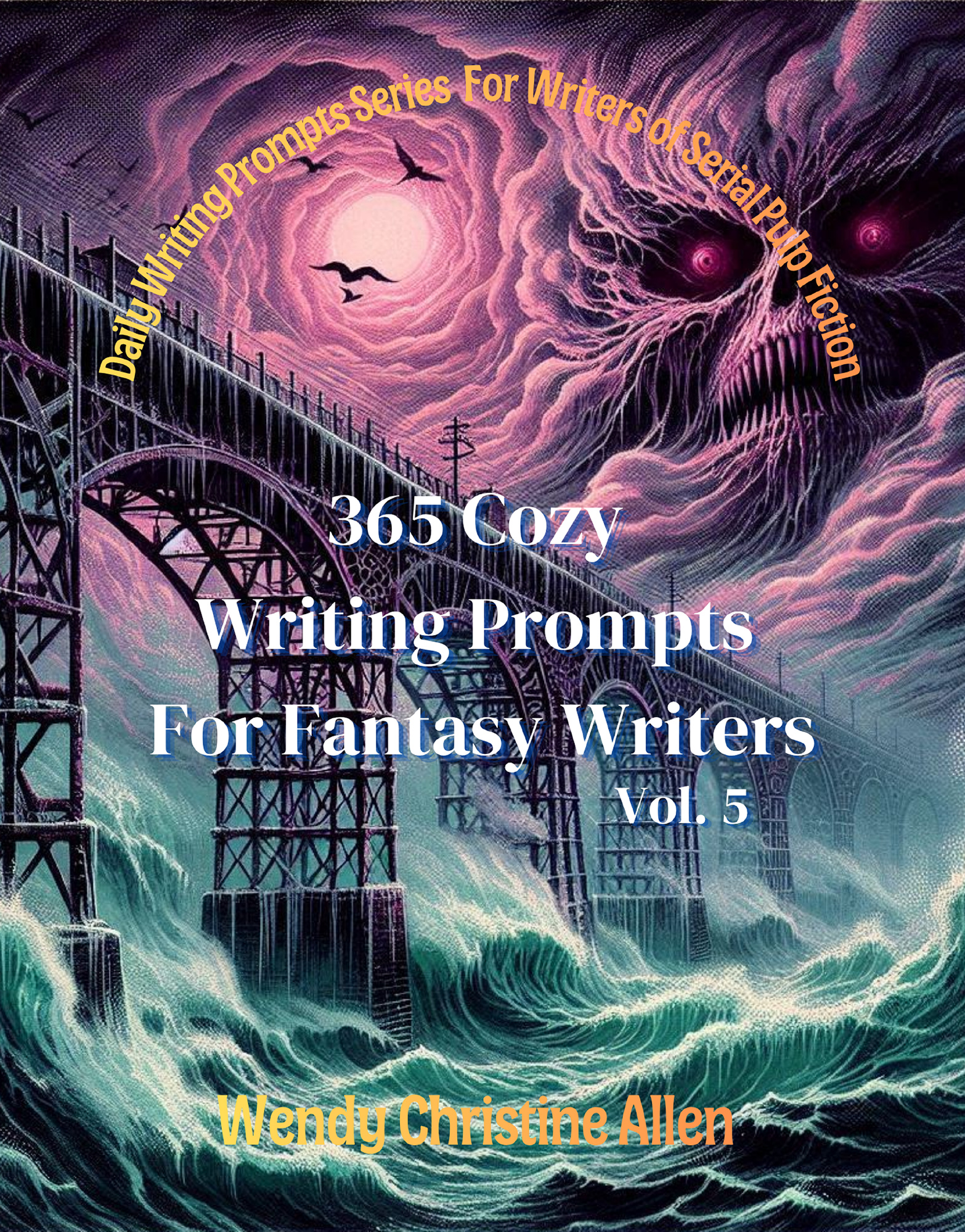
There are 20 volumes of this writing prompt series currently planned and in varying stages of finishing, hopefully all 20 will be published by the end of 2026. I likely will do a 2nd series of writing prompt books in 2027.
The first of the Visual Novels/Video Games for The Adventures of Quaraun the Inane/The Pink Necromancer series is published and available on Itch.io, there are 3 more planned for release in 2026, 6 more planned for release in 2027, and the big 60-hour 80k word 150 page one (Quaraun Goes To the Fair) is planned for a 2028 release.
There is a Pink Necromancer card game and a Pink Necromancer board game, as well as a Pink Necromancer table top RPG supliment for Dungeons and Dragons, all in the works, and to be released over the next couple of years as well.
Health update: August 4, 2026 - in recovery for 6 months+ (at least until mid-January 2027...all book and video game releases are pushed back at least 6 months) see video below for why...
|
|
|
|
|
|
|
|
Update Sept 3, 2026:
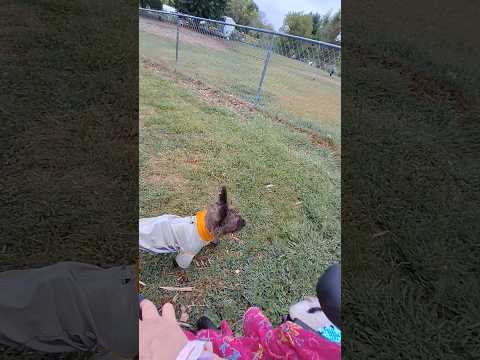
I am able to get around enough to take Koko to dog park... today is 29 days since getting out of hospital. My diet is still mostly liquid, but im eating some solid food again, but its like rice or soft mushy baby food type stuff because I still can not chew yet, though I can swallow again. My jaw is still not functioning good so im having trouble talking still. So there's been slight improvement to my mouth, throat, and jaw, but, zero improvement to my eye, which is a major concern, be Im almost fully blind right now. im legally blind since birth in my left eye, so I have no ability to fall back on using my left eye. My right eye is the one injured and my vision in it is "40% decreased" according to my doctor, but it wasn't good vision to begin with, and right now my right eye is not much different from my legally blind left eye. Which I why I have to have someone drive my car for me instead of me driving my car myself right now, which is very frustrating, because, being a female, I had to fight for over twenty years to be allowed to drive. I started sneaking out at age 31 and dressing as a man to go to Old Orchard Beach high school to get a ged, because us females are not allowed to go to school. And i was 37 years old when snuck out to the DMV and got a driver's permit and started going to college. I was 42 and 8 months pregnant when my family found out I was going to college and thats when I was punished by the backhoe driving over my house and my spine broken with a golf club and my baby born right then and killed with same golf club. So it's very frustrating now, so soon after finally being able to drive , to now not be able to drive because of an eye injury, especially after 14 years of being paralyzed from the golf club and not being allowed to have a wheelchair, again, because i am female and we females are simply not allowed to do anything. I hate the culture I was born into. I wish I had the freedom to go to school and drive a car the way American women do. I wish having my spine broken with a golf club and my baby killed with a golf club and a backhoe driven over my house was not how men in my family punishment women in my family for learning to read and write. Its so frustrating not being able to to drive again, so soon after 14 years being paralyzed, and being paralyzed by the golf club was the punishment for getting a driver's license back in 2013 after 30 years of men not letting me have one. I hate my family's culture and how they treat us women.
I get so sick of Americans telling me how they wish they could be a Gypsy… they are either misogynist woman hating pigs, or delusional idiots who haven't got a clue how shittily we Gypsy women are treated by Gypsy men, because no one in their righ mind who knows anything about Gypsy culture would ever want to be part of it. I hate that I was born a Gypsy.
|
update sept 7, 2026
"You would not make a good teacher"... what does that mean, and why are there so many people on Railroad Ave and Western Ave and Cutts St why walk up to me and say that to me?
I find it very confusing. I have low functioning Autism (the Rain Man type) and so i have very little understanding of words beyond the basic ones, and i never went to to school, so I never learned maths or sciences, and I only had remedial classes at Southern Maine Community College, because I did not have an education to enroll with regular, I was there taking every reading and writing class they had to learn how to read and write, and also took speaking classes to learn how to talk (i spoke Shetland Scottish language because that was language my grandmother spoke but she died when I was 8 so I only knew that language to speak and write, and I was 37 when I went to college and 42 when I learned English speaking and I still cant speak English good yet), all the other classes I took were art painting and cooking.
So the phrase "You would not make a good teacher" makes no sense to me because it seems to imply that I am trying to be a teacher, but I don't have anything close to the education ti be a teacher, and im not trying to be a teacher. So I don't know why people keep saying this phrase to me and I assume it must have some sort of a slang meaning, but I can't figure out what it could be of why do these people keep saying it to me.
see video below for more information:
@eelkat "You would not make a good teacher"... what does that mean, and why are there so many people on Railroad Ave and Western Ave and Cutts St why walk up to me and say that to me? I find it very confusing. I have low functioning Autism (the Rain Man type) and so i have very little understanding of words beyond the basic ones, and i never went to to school, so I never learned maths or sciences, and I only had remedial classes at Southern Maine Community College, because I did not have an education to enroll with regular, I was there taking every reading and writing class they had to learn how to read and write, and also took speaking classes to learn how to talk (i spoke Shetland Scottish language because that was language my grandmother spoke but she died when I was 8 so I only knew that language to speak and write, and I was 37 when I went to college and 42 when I learned English speaking and I still cant speak English good yet), all the other classes I took were art painting and cooking. So the phrase "You would not make a good teacher" makes no sense to me because it seems to imply that I am trying to be a teacher, but I don't have anything close to the education ti be a teacher, and im not trying to be a teacher. So I don't know why people keep saying this phrase to me and I assume it must have some sort of a slang meaning, but I can't figure out what it could be of why do these people keep saying it to me. #mainelife #biddefordmaine #maine #disabilitytiktok #Biddeford ♬ original sound Wendy C Allen | 📚 Author
update Sept 15, 2026:
I have some slight movement in some my fingers again again after over a decade being paralyzed
you remember how I used to be a professional doll making, pattern designer, and embroiderer, back before I became paralized and before my son was murdered and being the backhoe drove over my house?
all my equipment, sewing machines, ect were all destroyed by the backhoe driving over my house, and I have been quardepelegic for over a decade because of it so could not use my hands to sew or draw or embroider, and so only continued to do my writing of novels since then because I could do that with dragon dictation software,
well, since 2016, I been playing Witcher 3 and don't starve video games on twitch livestream, one hand two fingers, as part of my therapy to regain nerve and muscle use of my fingers, and now after 10 years of that, I have somewhat more movement in my fingers and im thinking maybe I can try to do embroidery and doll making again, but not sure, anyways, now im rebuying all of my sewing and embroidery equipment that the backhoe destroyed when it drove over my house, and hopefully I can use my hand enough to embroider again.
waiting for stuff to arrive in mail, so soon I should find out if ten years of twitch gaming has given me enough muscle strength to use my fingers to embroider again.
update to the previous video, answering viewer question about lack of hospital vs broken spine
Wheelchair Fundraiser... I need to upgrade to a power wheelchair, the manual one just isn't enough anymore. But the power wheelchair is $25k. Yes, twenty five thousand dollars. Wtf? I can get a car for a quarter that price, why are wheelchairs so damned expensive? That's more money then I make in five years, so I need to start a fundraiser for it.
#1382545 by Kathy from kathylittlemore.com
28 Sep 2017 19:39
This question is going to sound really dumb...but here it goes.
To put the social media buttons on our web pages, do we first have to be members of those social media platforms?
Also, I am not seeing LinkedIn buttons...maybe I am looking in the wrong place.
Thank you for taking the time to look over my challenge.
Kathy
https://www.kathylittlemore.com
https://au.pinterest.com/kathylittlemore/pins/
Yes, there is a LinkedIn button. It's rather new. It's an Add This feature. It asks you to select what type of account you have (personal, business, or group) then asks you to type in the url of your profile page of that account. Then you save and it gives you an html code for your site. It's only been out maybe a month or 2 so, not many sites have it yet.
>>>Jacki from drought-smart-plants.com wrote:It depends on the buttons. Some (like the Add This buttons I have on my site) simply allow the visitor to share your page on their own social media account. For follow buttons, yes, you need to have a business account (in most cases). As far as I know there isn't a LinkedIn button, but you can make your own by doing a websearch for the LinkedIn icon, then make it a link to your account.
I agree with Jaki on using Add This. Add This is great, but they have expanded their options, so not just the share buttons available anymore. Add This now also has a version that allows people to follow you, that's the one I have on my site. Definitely check it out. I have tried other before, but they were clunky to use and install. The Add This one is definitely the easiest to use and implement.
This is the one Jaki mentioned: https://www.addthis.com/get/share
This one puts a floating side banner that allows people to share your pages. It increased my traffic from Twitter, FaceBook, Google+, and Tumblr, after I added it. People do share pages with their friends, and this has been a great addition to my site. Definitely wish I had added it sooner. It's not a super huge boost in traffic, but, still... before adding it, I had almost ZERO social media traffic from shares at all, and now I'm getting 30 or 40 pages views a day from social media sharing my pages, so definitely helps.
Here's the new one they've added as well: https://www.addthis.com/get/follow
This one places a set of clickable icon buttons on your site. When someone clicks the button, it takes them to your profile page where they can then follow you or send you a friend request. Default is square, but I changed mine to circles/dots which I thought just looked better. (They are right at the top of my site (in my sig here) if you want to see what they look like live.)
I added them in 3 places on my site. In the top under the navabar, at the top of the sidebar, and then at the very bottom on my footer. I'm not sure if I'll keep all 3 places or not ye. The feature is new, they only came out with it about 2 months ago, so I'm still testing out where I want it placed on my site. Eventually I'll probably change it to be just in one place, but right now I've got it 3 times on my site. Oh well.
I tried the header version of them as well, but I have a "Hello Bar" on my site, and they get hidden behind it, so the header option won't work on any site that has any type of subscription bar floating at the top of it, in case you have one of those on your site.
To activate each button you select the social media button you want to display, then type in your profile url, and paste the code into an html box at the top of your website.
They have over 100 social media icons listed for you to choose from.
The code on my site is currently displaying:

About Me
Blogger
Digg
Etsy
FaceBook
GoodReads
Google+
LinkedIn
Instagram
MySpace
Pinterrest
Quora
Reddit
Steam
Tumblr
Twitch
Twitter
WordPress
YouTube
So now, when someone visits my site, they can find my social network accounts and follow me on any networks they are on as well.
It took me forever to figure out how to get them to display in alphabetical order. Turned out all I had to do was click and drag them around, before saving and getting the code. Duh!
I have more profiles, (Flickr, Spotify, StumbleUpon, Wix, etc) but most of the others I don't use, so I didn't bother to list them, but Add This has to option to add them. They even had some social networks listed that I had never heard of, which I had not thought was possible! LOL! They did not however have Itch.io or FameBit which was disappointing as I do use those quite a bit. Oh well. I also noticed they didn't have Patreon, which I don't use but was considering joining. I would have thought them big enough to include. *shrug*
They said they are looking into adding more icons in the future so I keep checking back every few weeks to see.
Anyways, hope that helps. Good luck with your site!
What do you want to become?
What did you do today to step closer to that goal?
Whatever you do, be your best at it!
And remember to have yourself a great and wonderfully glorious day!
~EK
EelKat.com
pinterest.com/eelkat/
youtube.com/user/EelKat
This page was written by Wendy Christine Allen of 146 Portland Ave, Old Orchard Beach, Maine.
All Rights Reserved.
While there are around 20k pages on this website, most of them are blocked from search engines, with only around 800 of them available for appearing in Google/Bing/etc search results. The remainder can only be accessed via the various links found throughout this site. This was done deliberately on my part, and I did it because the bulk of the pages on this website are chapters from 138 novels and 423 novellas, so only the first page of each novel and novella indexed by search engines, and the remainder are linked in order, one page at a time, via clicking "next page" at the end of each. So if you are looking for a specific page from a specific novel, Google can't help you.
|
Thank you for stopping by and have a nice day! ꧁✨🌸🔮🦄🔮🌸✨꧂ And if it’s your birthday today: ִֶָ𓂃 ࣪˖ ִֶָ🐇་༘࿐꧁ᴴᵃᵖᵖʸ☆ᵇⁱʳᵗʰᵈᵃʸ꧂🤍🎀🧸🌷🍭 |
|
|
|
                       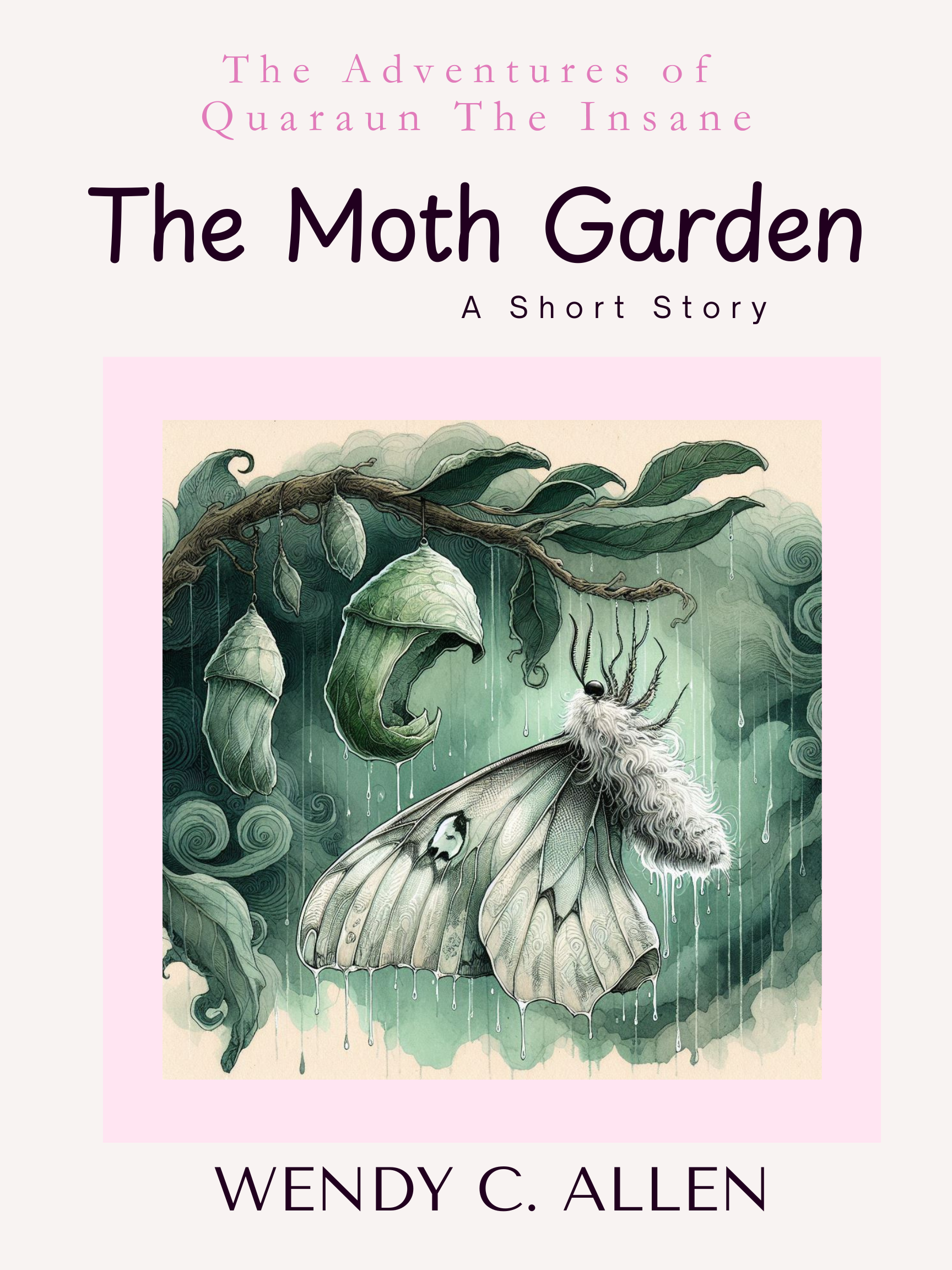  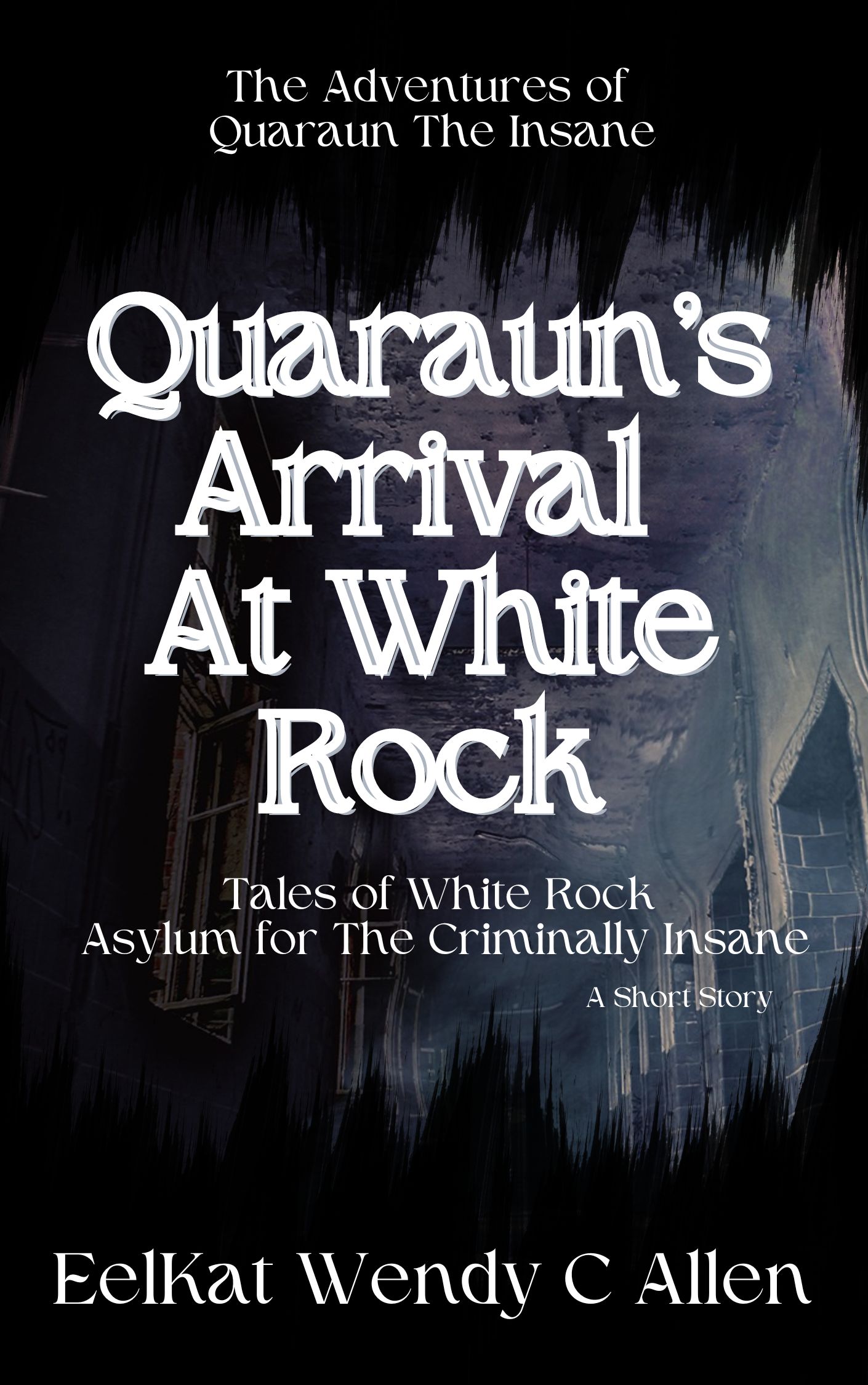 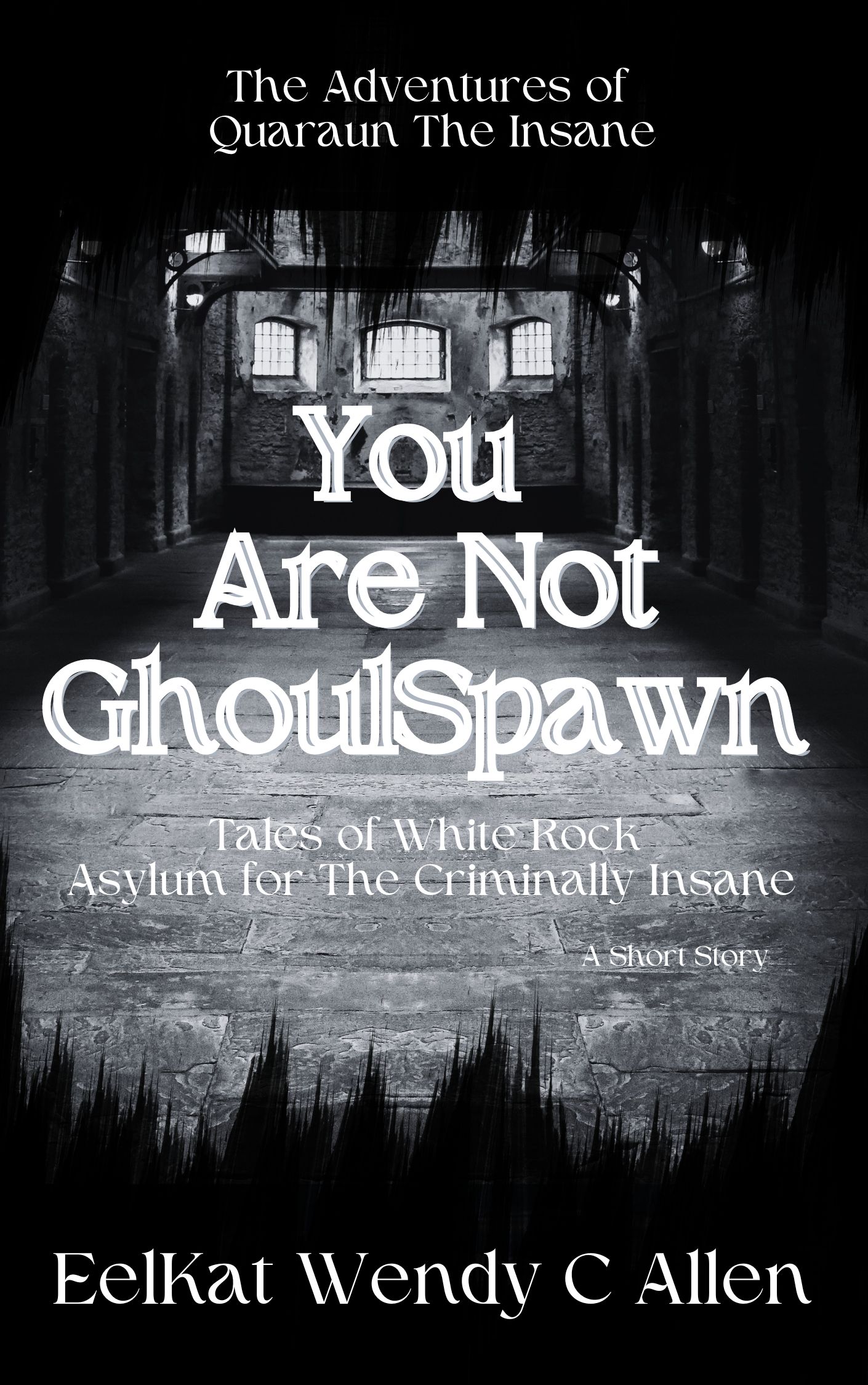 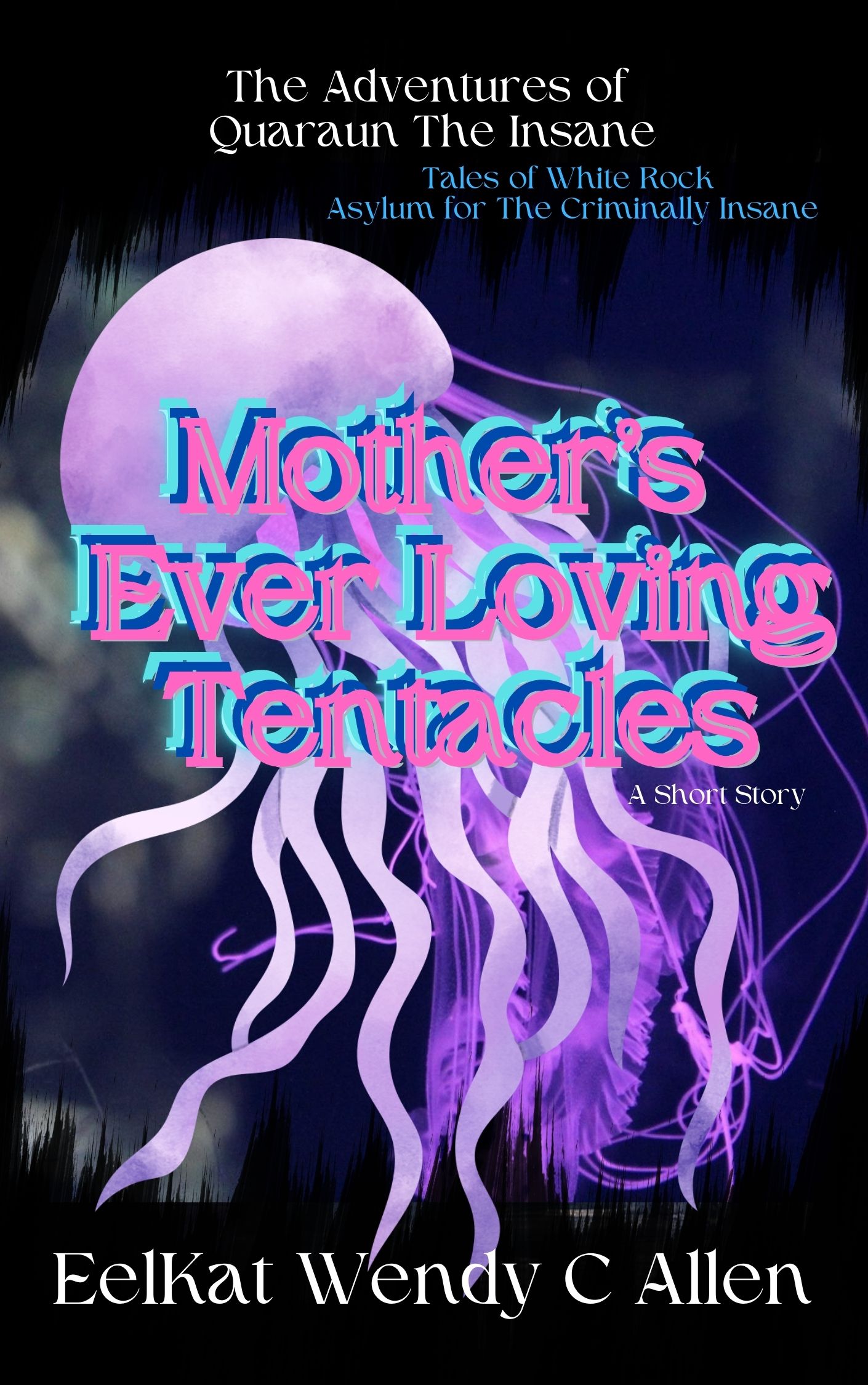   |
Get an email whenever Wendy Christine Allen 🌸💖🦄 aka EelKat 🧿💛🔮👻 publishes on Medium.
I also write on these locations: | Amazon | Ao3 | Blogger | GumRoad | Medium | Notd | OnlyFans | Tumblr | Vocal |
Do you know who drove this backhoe over my house at 146 Portland Avenue, Old Orchard Beach, Maine on August 8, 2013? If you have any information, please give it to FBI Agent Andy Drewer at 207–774–9322 of the Portland, Maine FBI office.
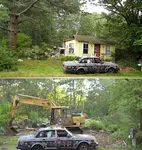
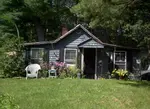
My house at 146 Portland Ave, Old Orchard Beach, Maine, July 4, 2013, photo taken because we had just finished building a baby room on the back. vs My house August 8, 2013, when the same group of people (yes group, the golf club woman was not alone when she attacked November 14, 2013, nor was she alone with her second attack July 2016.) who murdered my son on November 14, 2013 at Southern Maine Community College and crippled me July 26, 2016 at scarborough WalMart,... they arrived the first time with a backhoe on August 8, 2013, that they used to drive over my house, during a time of day that I normally was home asleep... I had to work a different shift at the Waffle Cone Pizza Food Truck at George's Parking Lot by Bill's Pizza at the OBB Peir, that day, otherwise, I too would be at the bottom of a landfill, along with my house and everything I owned that was also in the house. I was 5 months pregnant at the time and have been homeless for just under 14 years, homeless ever since....
... which means it is now only a few weeks from the 14th anniversary of my son's murder. I was 8 month pregnant November 14, 2013, and a student ay SMCC, and coming out of the Buglight Lighthouse art studio after art class, when a still unidentifiedwoman wielding a golf club attacked me, severed my spine, while I was 8 months pregnant, triggered early labour, then killed my son minutes after he was born.
While accusing me of being transgender, screaming "transvestite freak" and "look at that thing, that's Ken's son in a dress"... while I was 8 months pregnant.
 My house at 146 Portland Ave, Old Orchard Beach, Maine, July 4, 2013, photo taken because we had just finished building a baby room on the back. vs My house August 8, 2013, when the same group of people (yes group, the golf club woman was not alone when she attacked November 14, 2013, nor was she alone with her second attack July 2016.) who murdered my son and crippled me, arrived the first time with a backhoe that they used to drive over my house, during a time of day that I normally was home asleep... I had to work a different shift at the Waffle Cone Pizza Food Truck at George's Parking Lot by Bill's Pizza at the OBB Peir, that day, otherwise, I too would be at the bottom of a landfill, along with my house and everything I owned that was also in the house. I was 5 months pregnant at the time and have been homeless for just under 14 years, homeless ever since. My house at 146 Portland Ave, Old Orchard Beach, Maine, July 4, 2013, photo taken because we had just finished building a baby room on the back. vs My house August 8, 2013, when the same group of people (yes group, the golf club woman was not alone when she attacked November 14, 2013, nor was she alone with her second attack July 2016.) who murdered my son and crippled me, arrived the first time with a backhoe that they used to drive over my house, during a time of day that I normally was home asleep... I had to work a different shift at the Waffle Cone Pizza Food Truck at George's Parking Lot by Bill's Pizza at the OBB Peir, that day, otherwise, I too would be at the bottom of a landfill, along with my house and everything I owned that was also in the house. I was 5 months pregnant at the time and have been homeless for just under 14 years, homeless ever since. |
The backhoe driver returned November 14, 2013, armed with a golf club, used it to break my spine and smash my baby's brains out on the ground
On November 14, 2013, my son was murdered. I was 8 months pregnant, leaving my college classroom, and just getting into my car, when 3 strangers, a man and two women, armed with golf clubs leapt out from behind my car screaming "kill or be killed, kill the transvestite freaks, kill them all before they kill us! look at that thing! That is Ken's son, look at how it's dressed! kill the transvestite freaks! kill or be killed"... while the bald man and the red haired woman chanted this over and over, the blonde woman, lunged with the golf club.
She severed my spine, I am now a quadriplegic, and been paralyzed arms and legs, and in a wheelchair for 13 years now. She broke my hips, my knees, my legs, ruptured most of my discs, and shattered three of my vertebrae so bad that the shards of bone acted like glass and embedded themselves into my spinal column nerve bundle.
The attack also triggered labour.
My son was born in that parking lot, and he lived only a couple of minutes, before the deranged blonde woman, beat his head in and smashed his brains out, with the same golfclub she had just used to sever my spine and leave me crippled for the rest of my life.
Realizing that I was not transgender, and they'd just murdered a baby, the man grabbed the 2 women and forcibly dragged them away to a 4 door white pickup truck, and they left me there to die.
The FBI told me later, that a few weeks before this attack, and transwoman, had murdered a cis woman, in a parking lot, abou 20 miles away from where I was attacked. The FBI, believes that my attackers, had somehow found out I wrote transgender fiction, connecting my real name to my penname, (my father's name is in fact "Ken", and I do have a brother) and believed that I wrote transgender fiction, because I was myself transgender, even though I'm not transgender. The FBI, believes the attackers, thought I was my brother, pretending to be a woman.
The FBI investigation, into my son's murder, has dragged on for 13 years, and still now in 2026, continues on, with the FBI, still not having yet identified my attackers, and only guessing at what their motive was.
Thus we come to 2014, and the full swing change of the series I write. WHY my series, went from just a transman main character living life, to the full blown Mpreg genre series that it now is today.
Before the attack, I had a chance of having a baby. I don't know. And because I'm in America, I'm too old to adopt. You have to be under 45 years old to adopt a baby. That is the law in America. I was informed this, when we tried to adopt, now that my injuries leave me unable to get pregnant a 9th time.
Thus began my obsessively writing, my transman main character, pregnant. Always pregnant now. Every time. Every story. Stories that now fully focus on pregnancy, labour, miscarriages, babies dying, babies living, raising babies... the whole series, since 2014 has devolved into an outright baby obsession.
Meanwhile, reborn baby dolls were suggested to me by my therapist, and have also become a deeply obsessive part of my life. Because 13 years ago my son was murdered minutes after he was born, because a transphobic bigot mistook me for being transgender, I'm STILL in a wheelchair, struggling to relearn to use my arms and legs, now 13 years later, and I'm still DAILY dealing with police officers and FBI agents who while they are trying to find my son's killer, they are also daily reminding me... oh, yeah, my son was murdered, literally ripped out of my belly, by a transphobe. Who still has not been located and walks free to kill again.
|
The golfclub woman as she looked during the golf club attack at Southern Maine community college November 14, 2013. She is about 20 to 30 years older then me and would be around 75 to 85 years old now in 2026. 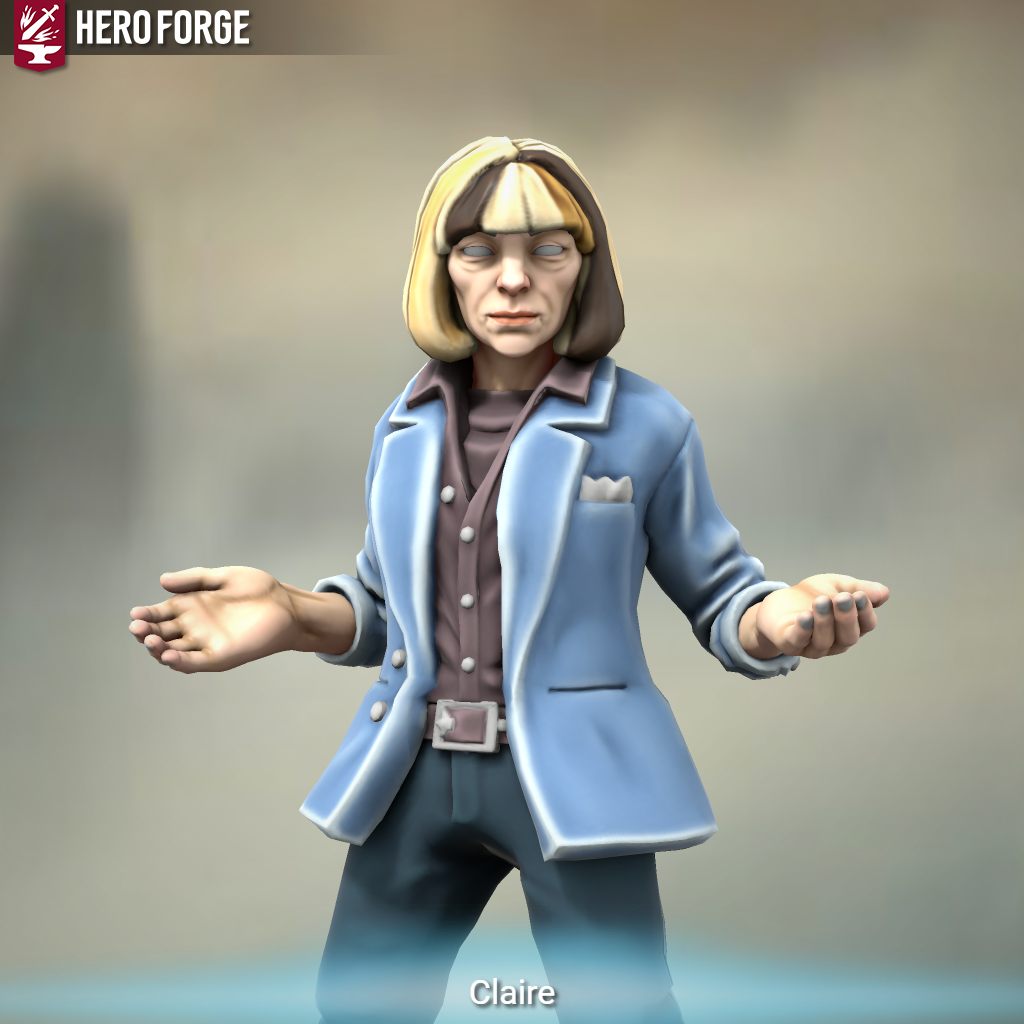 If you have any information about the identity of this child murderer, please call FBI Agent Andy Drewer at 207–774–9322 If you have any information about the identity of this child murderer, please call FBI Agent Andy Drewer at 207–774–9322 |
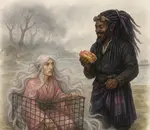
The golfclub woman as she looked during the shopping cart attack at Scarborough WalMart July 26, 2016. She is about 20 to 30 years older then me and would be around 75 to 85 years old now in 2026. 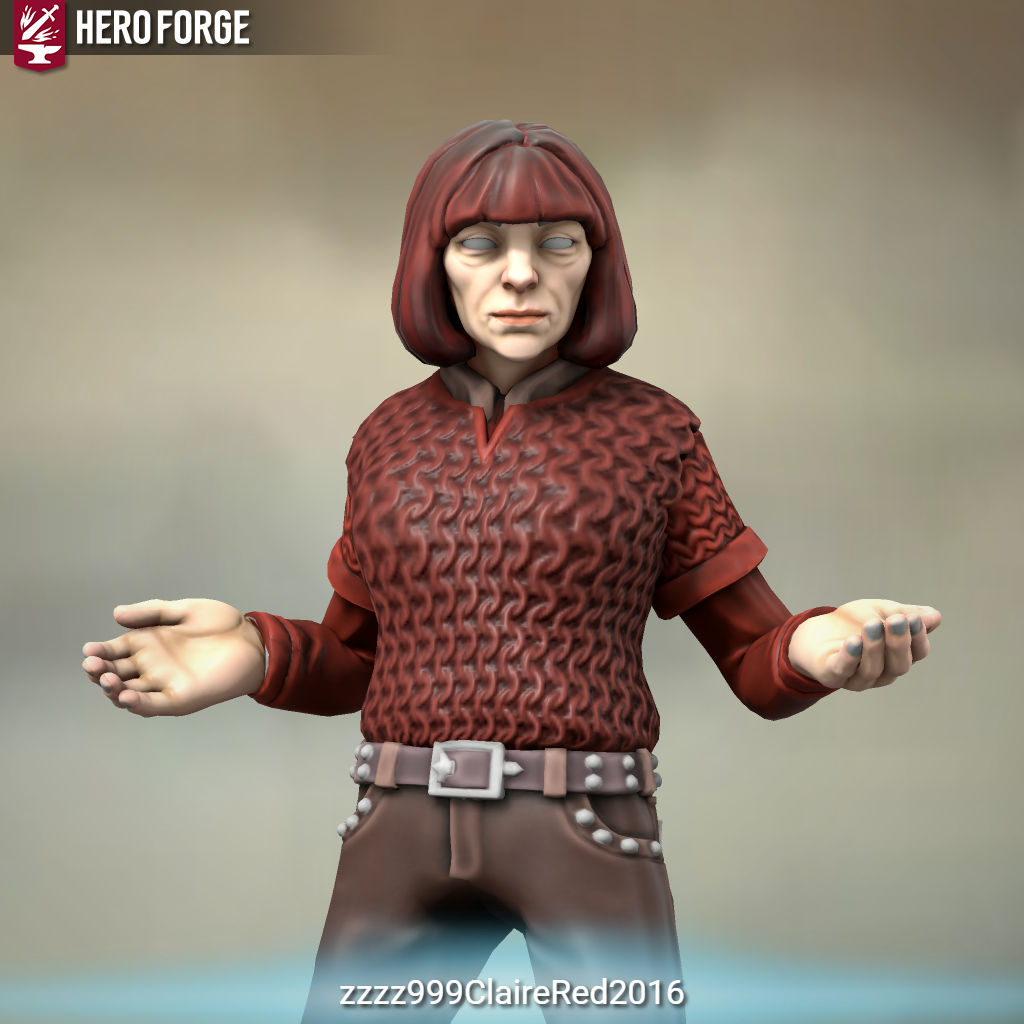 If you have any information about the identity of this child murderer, please call FBI Agent Andy Drewer at 207–774–9322 If you have any information about the identity of this child murderer, please call FBI Agent Andy Drewer at 207–774–9322 |
The 2nd woman as she looked at both attacks, her hair goes all the way down to her knees. She is about 20 to 30 years older then me and would be around 75 to 85 years old now in 2026. 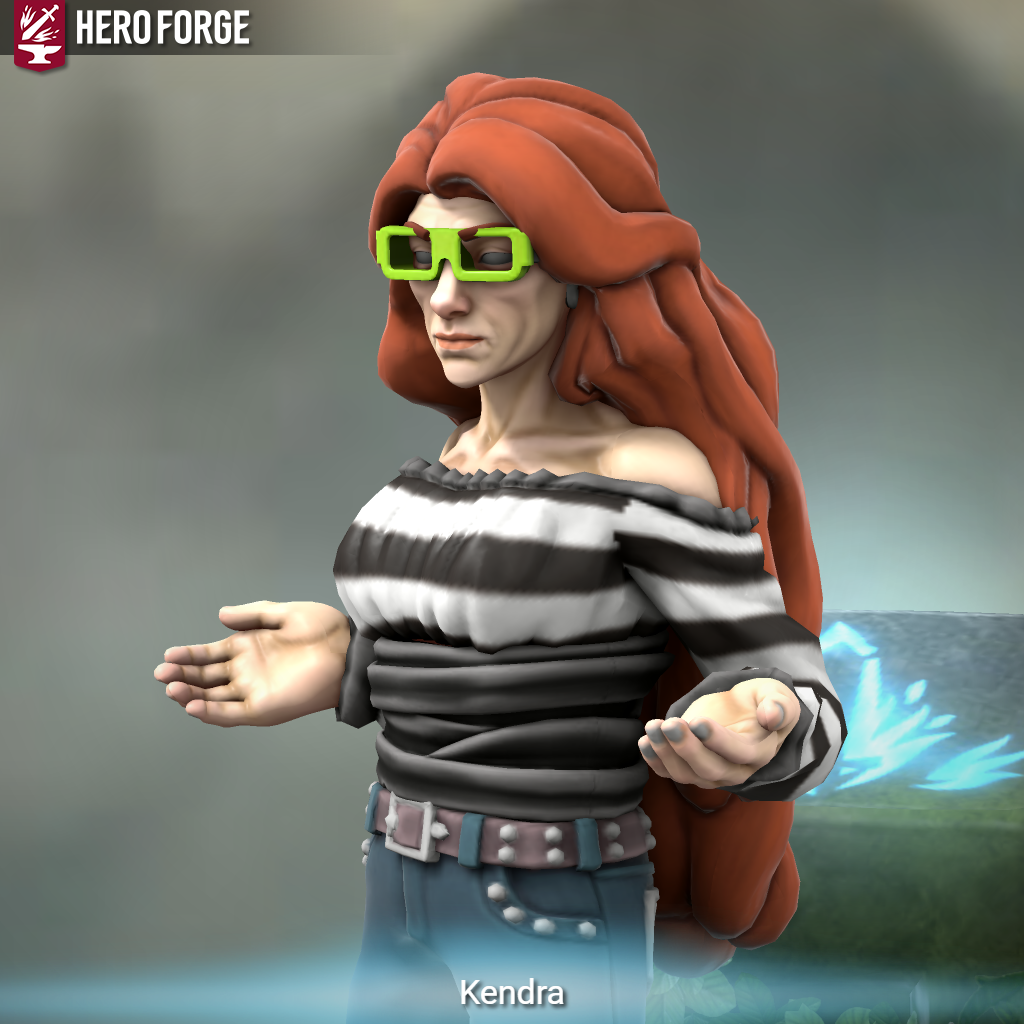 If you have any information about the identity of this child murderer's accomplice, please call FBI Agent Andy Drewer at 207–774–9322 If you have any information about the identity of this child murderer's accomplice, please call FBI Agent Andy Drewer at 207–774–9322 |
Do you know who these two woman who crippled me and murdered my baby, at Southern Maine Community College at 10PM on November 14, 2013, are, and what their connection to the backhoe that drove over my house is? If you have any information, please give it to FBI Agent Andy Drewer at 207–774–9322 of the Portland, Maine FBI office.
I am a legally blind quadriplegic, and low verbal, I have also published 138 novels in the last 48 years. It's not as impossible as people think. The problem being blind and quadriplegic, medically have different meanings then how those two words are used medically.
Fewer than 3% of all blind people see nothing. While 97% people who are classified as fully blind are able to see up to two feet in front of them. Legally blind means I can see more then two feet in front of me but not far enough to see twenty feet in front of me. In my case I can see about eight feet.
Quadriplegic, has varying levels, it means having a damaged nerve bundle in the spinal column causing limited mobility of all 4 limbs, (in my case this was done by a women wielding a golf club, who also beat my 8 month infant's head to pulp on the parking lot tarmak, at the same time she severed my spine with the same golf club; both on November 14, 2013; the FBI investigation into my son's murder and my being crippled has gone on now for 13 years, a few weeks away from 14 years now, and the FBI has still not identified the killer or her motive). Contrary to popular misconception, quadriplegic does NOT mean ZERO movement, it means means limited movement, specifically in means unable to lift arms over head, unable to grip fingers around objects to pick them up, and unable to stand for more then 5 minutes to a time. Because there are so many thousands of nerves in each limb it is actually very rare for there to be 100% no movement, but how much, and to what extent varies by patent depending upon the specific point of injury to the spinal column.
Meaning typing is still possible for over 60% of all quadriplegics.
In my case, it was the lower spine that was severed, cutting off completly my ability to move my right leg, leaving limited feeling in my left leg, and an ability to stand but not walk, with crutches, for the first 9 years. I regained enough nerve growth in my legs by the 9th year to be able to take ten or twelve steps allowing me to get out of bed for the first time since the golf club attack; This in turn lead to me being able to start using a wheelchair, as I was able to sit upright for the first time as well.
Because the shattered vertebrae bone fragments are broken off completly and embedded into the nerve bundle just above my tailbone, doctors were saying I would never walk again, but now at 13 years, I am able to push mu wheelchair like a walker, a distance of almost a thousand steps a day. Though doctors are still doubtful I will ever walk "normally" again, I have proven them wrong, when their said 13 years ago, that I would never walk again at all.
But because of the placement of the damage to my spine, regaining hand use, was always thought possible, it was just a matter of waiting long enough for nerve regrowth, along side daily finger exercises. I was able to continue writing, after becoming quadriplegic, because I still have use of my right thumb, and 2 fore figures of my right hand. And can type 90 words per minute with those 3 fingers.
I however have no wrist strength, elbow strength, or shoulder strength, so I am not able to form a fist, or lift objects, or brush my hair, or my teeth, all thing I have to have my caretaker do. But, those things are not needed for typing. Unfortunately, my pinky and ring fingers are "nerve dead" and drag over the keyboard, and cause horrific spelling errors and typos, which are incredibly frustrating to deal with.
Unfortunately trying to edit errors myself, just makes the errors worse, because those same two fingers drag over the keyboard yet again. Prior to the golf club attack, I rarely had spelling errors; now I got more spelling errors then someone is learning English as second language. Editing is a challenge, that I've had to accept, I simply can not do myself, and I have to hire several editors to help with that.
Low verbal means sounds can still be made, sounds that software programs like Dragon can be trained to recognize and translate, and type into full words. More then half my novels were typed with this method.
I still have a long ways to go before I am anything close to being able to do the things I could do before the golf club woman beat my baby's brains out and shattered my spine. And you know what's more frustrating then how slow mu medical progression has been? The fact that it's been 13 years and the police and FBI are still coming up at dead ends as to who the woman who murdered my baby was, or why she even did it.
My son's 14th birthday is only a few weeks away, but he didn't even get to live long enough to celebrate his 1st birthday, I don't even know why. And I can't wait to regain my ability to walk again, because regaining my ability to walk, means gaining the ability to go outside and start looking for my son's murderer myself instead of sitting at home trapped in a wheelchair waiting for the police and FBI to to find her. So, writing isn't a big priority for me anymore. I only write now, as a way to exercise my hands, in between relearning to walk.
Never let a disability stop you. Plenty of writers, artists, athletes, do not let either blindness, speech impediments, or limited mobility hold then back from perusing their careers.
Do you know who these two woman who crippled me and murdered my baby, at Southern Maine Community College at 10PM on November 14, 2013, are, and what their connection to the backhoe that drove over my house is? If you have any information, please give it to FBI Agent Andy Drewer at 207–774–9322 of the Portland, Maine FBI office.
Important:
Fraudulent sites are impersonating Wendy Christine Allen.
- The ONLY official website for Wendy Christine Allen is www.eelkat.com
Fraudulent social media accounts, particularly on Reddit and FaceBook are impersonating Wendy Christine Allen.
- The ONLY official social media accounts for Wendy Christine Allen are listed in the footer here at www.eelkat.com
Find Me on Social Media:
Any websites and accounts you find online that are NOT on this list are NOT Wendy Christine Allen
There are no ebook editions as they are already available digitally here on my website.
If you encounter a page which asks for a password, no, you can not request access. There are over 2k pages of this website set to password access, due to the ongoing FBI investigation into my son's murder. If you are a police officer authorized access these pages but do not have the passwords, let me know, I will deliver the passwords to the specific pages you are allowed to access, to you via the Portland FBI office and you can pick them up from the FBI agent in charge of the murder investigation.
Pages where you can find out more information on that:
|
What's New (Newly Published or Recently Updated or Edited)
IMPORTANT NOTE: There are no ebook editions as they are already available digitally here on my website.
If you are one of (as of December 2025, the now more than ten thousand) daily visitors, who arrive here daily in search of SEO advice, I made this page for you:
The Park Bench Method of Writing
Crazy Woman Just Attacked - No Clue Why or Who She Is
Articles For Writers on How To Write & Publish A Rapid Release Series
For Anyone Looking for:My response to MUFON's Amphibious Aliens? My response to Coast to Coast AMs Arrival in my yard?
Wendy Christine Allen, Old Orchard Beach's Autistic Author, Artist, Illustrator, & Art Car Designer Counting Down to the 2028 50th Anniversary of my first published book (September 23, 1978) Yes, I am aware there are a lot of spelling errors on this site. No, I likely will not be fixing most of them. I have been quadriplegia/paralyzed arms and legs since November 14, 2013; As of 2026, I have regained use of two fully functional fingers on my right hand, and only stiff limited movement of all remained eight fingers. This causes most of the typos and spelling errors as my near-dead pinky and ring fingers tend to drag over the other letters on the keyboard. Attempts to correct errors, often causes more errors for the same reason. Much of my writing is also speech to text, but I have "profound low functioning, non-verbal kanner's syndrome aka autism aka the rainman type" (that is what the medical diagnosis called it), I have the medically diagnosed retarded type of autism, that medical doctors mean when they say "real and actual autism", I do not have the cool trend self diagnoses tiktok type of "autism". What this means is, in spite of five decades of trying, I have very limited vocal speaking abilities and a lower then average vocabulary, that leaves my speaking ability around the level of a 4 or 5 year old child; I do not know math or money or clocks and. I also, was raised by a Shetland Scottish Grandmother (Helen Ricker Allen) until her death when I was 8 years old, and she did not speak American, she spoke Shetland/Scottish, Shetlandic, which is a Nordic language, different from Scotts Language, not related to Gaelic which is what many Scottish speak, and while classified as a type of Scottish English is is considered "Olde medieval Norse" dialect of Scottish English and spoken by fewer then two thousand people as of 2026. It is the language of Scottish Travelling Gypsies, which is what we racial are. I was 31 years old first time I ever heard American English, and only started to learn American English at 42 years old. Right now in 2026 at 51 years old, I am able to speak American English on around the level of an 8 year old child, and greatly do not understand over 90% of American words, American slang, and American media references. What this means is, OFTEN words you think are spellt wrong (like color vs colour, or traveling vs travelling, are in fact NOT spelt wrong, because I use Scottish spellings) and often when I hear an American word, I spell it phonetically because I do not know the correct American spelling. Likewise we Scottish do not have words like my or your, and so say me and you, in places where Americans would say my and your. I also use Scottish word meanings, not American word meanings, for example Unicorn means a blood thirsty flesheating shapeshifting sea creature that comes on land and pretends to be a wounded horse to lure in humans to eat, it can only be captured by a virgin. But when I say Unicorn, a word I frequently use, because I write Unicorn folkloric short stories... I find that most Americans connect Unicorns to children's cartoons, gay pride, or swinging sex lives... I struggle to understand who in their right mind thought the most bloodthirsty monster of Scotland folklore was good fodder for children's cartoons or "sex positive" mascots, me thinks Americans need to brush up on the lore of Unicorns using their horns as sword to stabbed people's eyes out, while gallopping through swamps with rows of bloody Human heads hanging from their backs via braids made of Human entrails... really, why did Americans thinks a monster like a Unicorn was fit for children's cartoons or sex positivity? Americans is weird. All this to say... speech to text software, struggles badly with my thick Shetland accent, my slurred Autism speech impediment, and causes additional misspellings and typos because it can not figure out what words I am trying to say. And while I could take the time time to run all of it through a spell checker, that does require better hand mobility then I have, to copy the text from one program to the next and manually click each word, with finger mobility that I simply do not have, but also, most of my time is spent in trying to relearn to walk, and if you are local, you've probably seen this as I'm a stubborn bitch who refused to accept the doctor disnosis that I will never walk again, so, I walk around the block every day pushing my wheelchair, refusing to sit in my wheelchair, and... ...it's taking me 13 years to do it, but, I'm not actually able to stand up and make it all the way around the block now, and my focus on trying to relearn to walk is far more important to me, then catering to your pampered arse by fixing spelling errors, when there are far bigger problems to worry about in life, the spelling errors made by a quadriplegic who is typing this with her only two functioning fingers. Also, in recent years, I've watched the internet devolve into a mindless clusterfuck of ChatGPT written everything. Everyone sounds the same online these days, because no writes their own work anymore. Every website out there has become a carbon copy of each other, because they are all be written by ChatGPT now. I think ChatGPT makes a funny thing to chat with in your spare time, so you can laugh at the hilarity of how inaccurate it's responses are... but I am horrified that people are using AI for serious writing, writing they publish and try to pass off as their own. We live in a society where people people are forgetting how write. Heck I can read and write cursive, calligraphy, italic, short hand, and editor's marks, also edit my books by hand diagraming every sentence, and that... start walking around your neighbourhood and ask anyone under 30 if they sentence diagraming IS, let alone how to do it. So yes, I CAN spell check, and no I don't, for anything but my novels and short story collections, I spell check when it matters... and this is a website, not a printed book... but also, I am just getting so damn fucking fed up with endless AI writing online, so, no, I'm not going to fix errors and typos on my website, and you can bitch about that all you want (yes, I do get your messages, I just don't answer anyone in private) but, honey, maybe instead of bitching over my spelling errors, be thankful is still at least one website on the internet that still being written by a Human now in 2026 when ChatGPT writes over 70% of all posts online. |
Looking for my annual NaNoWriMo Prompts and Dares? I've been publishing these every year since 2004!
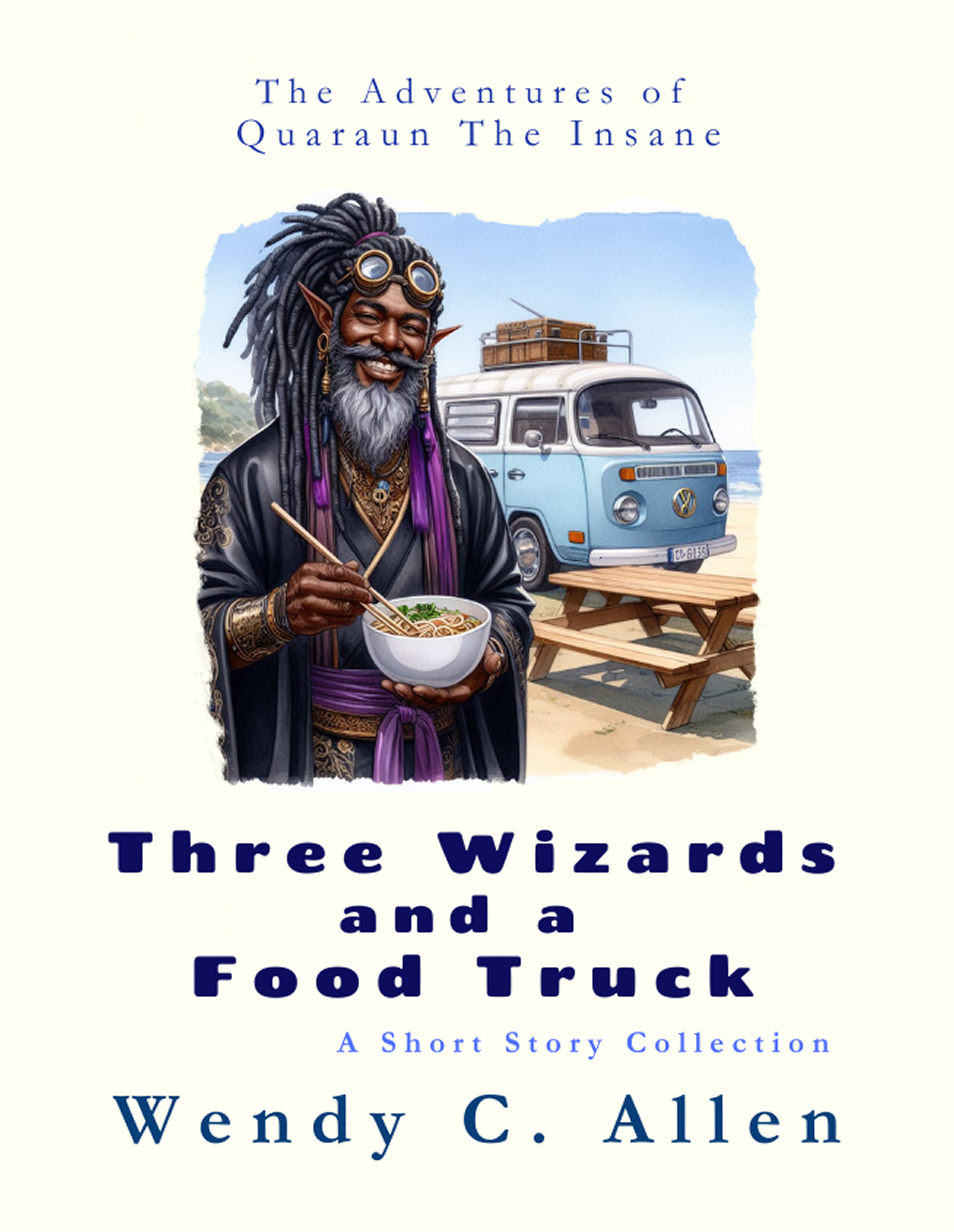
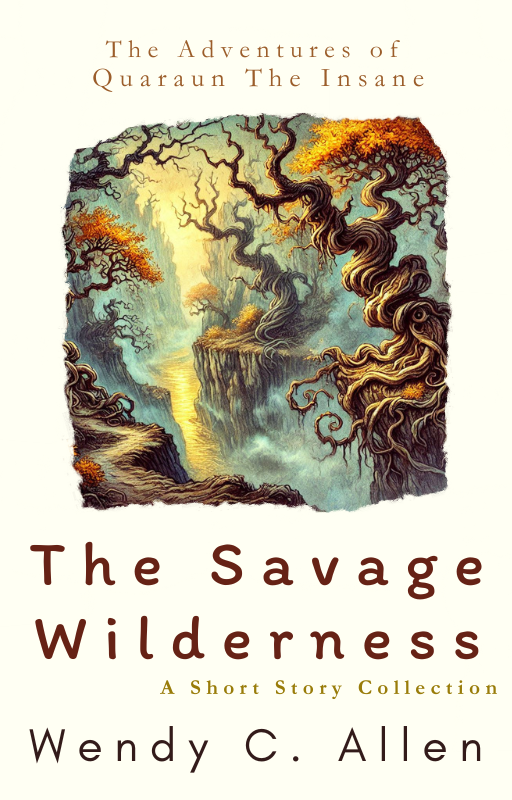
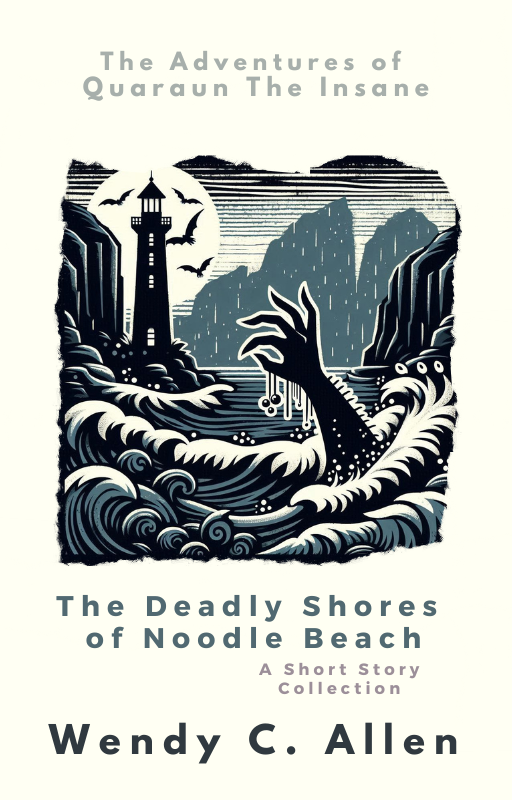
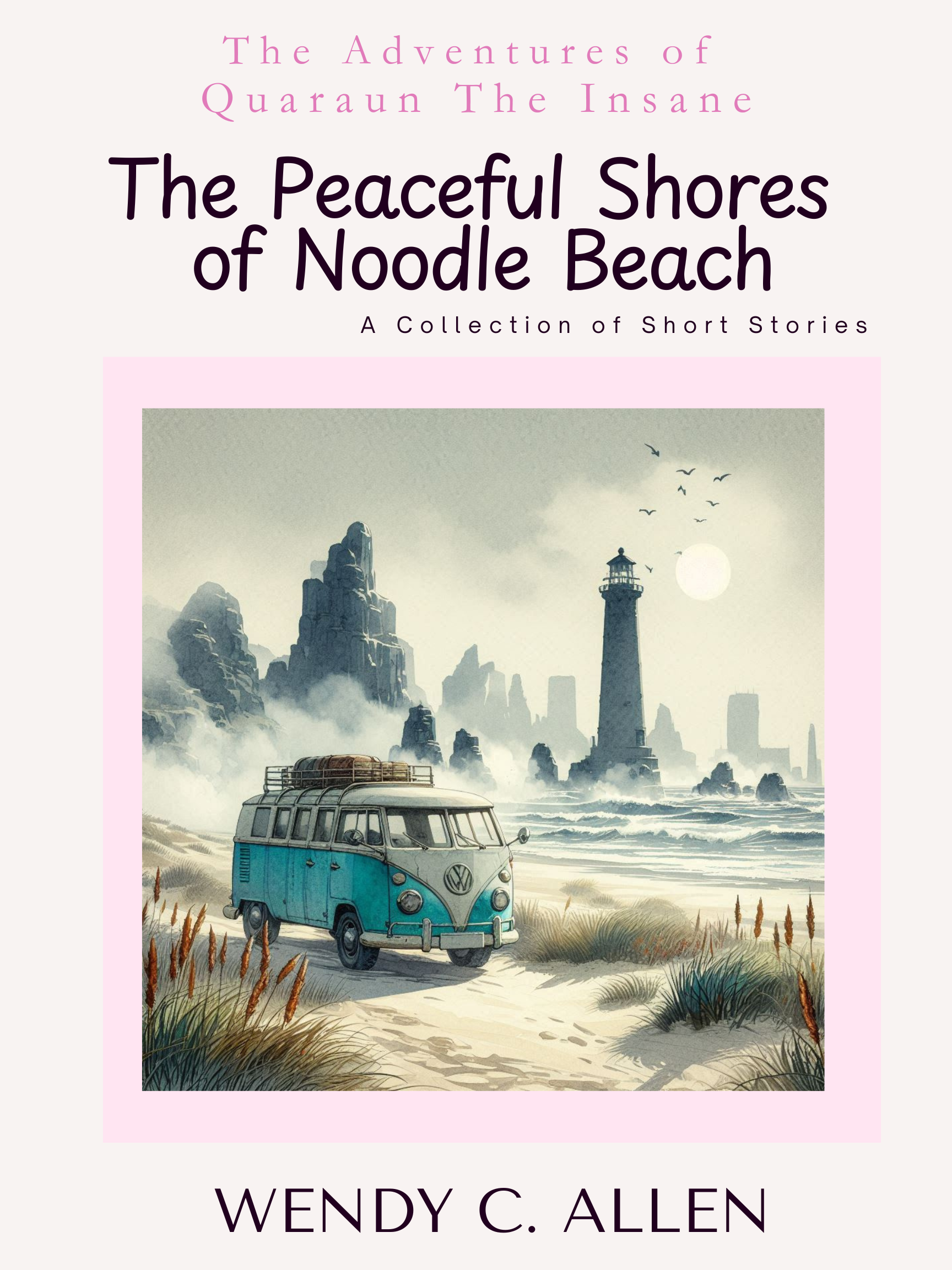
 The Park Bench Method of Writing The Adventures of Quaraun The Insane: Paperpacks & Hardcover Editions on Amazon:
Not sure what the series is about? Check out and Faeries vs Elves (In The Quaraun Series) A Pink Necromancer World Lore Post and Worldbuilding MoonQuakes and Disabled Characters for Fantasy Writers and How well do I know Quaraun? - Let's find out! to find out more about the plot and lore of the series. Not sure which story to start with? These here are good places to start, to get a good introduction to the three main characters:
Or if after reading those, you still are looking for more free to read stories, there are over three thousand of them on this site, too many to list here, but here a few dozen to get you started... ...you can just jump in and try reading some of the free to read online stories first before committing to buying the books:
Hmmm... soooo... I was making the above list to ALL the links to EVERY Quaraun story published on my website here, and adding it into the footer of my site, here as you can see, which loads on every page, and then I realized... wait... there are over two thousand Pink Necromancer stories up free to read on my website, I can't put two thousand links on every single page! Whoops! LOL! So, now I'm putting list to ALL the links to EVERY Quaraun story published on my website here on this page instead and just link that page to the footer instead. But also I'll just leave some of the links in the footer, as you can see above.

|


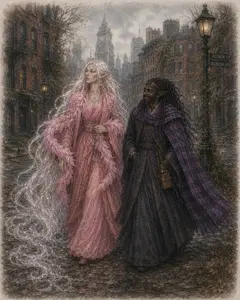
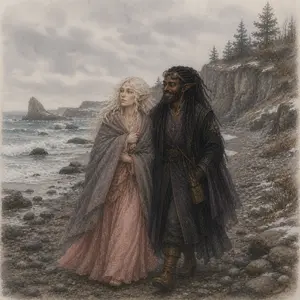
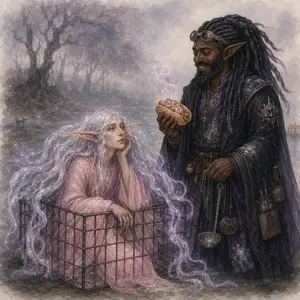













This page was written by Wendy Christine Allen of 146 Portland Ave, Old Orchard Beach, Maine.
All Rights Reserved.

The Space Dock 13 WebRing
|
|
|
|
|
|
|
|
|
|
|
|
Yes, this website (founded in 1996) is old enough to have WebRings on it, and they are still in use.
Don't know what a WebRing is?
They were how we webmasters used to get traffic to our websites before the invention of search engines (aka before Jeeves, DogPile, Yahoo. Google, Bing, or the rest existed). In their simplest form a WebRing is an html code that rotates link displays. In their more advanced form they are java scripts that give random results. Each ring had three active links titled "Previous", "Random", and "Next", clicking any of the 3 links would take you to the next website in the ring.
Web Rings are the REASON the internet was called "the world wide web". To use them, each webmaster submitted their site to the ring, a single code held 100 websites, and codes could be stacked to hold 100 code sets (or 10,000 links to 10,000 websites), each web master in the list, would then place the code in the footer of their website.
This created the SPIDER WEB that was the literal WEB OF LINKS that gave the internet it's name "World Wide Web" and is WHY websites are CALLED "web sites". And technically, your site is not a WEB site unless it is connected to a WEBRing, likewise you technically are not a WEBMaster if you do not build WEBrings links for you WEBsite to connect to the WEB.
Unfortunately, most knowledge of WebRings, and whi sites were called WEBsites and sites on the WEB were called the World Wide Web, vanished from the internet in 2014 when the official WebRing.org company who managed 90%+ of the internet's WebRings went out of business after the infamous Google Panda 2013 bot attack that delisted ALL websites from the Google Index if they contained a WebRing of links to other websites in it's footer.
And while most sites abandoned the use of WebRing Codes on their sites, Space Dock 13 did not. The Space Dock 13 WebRing remains active, now 28 years after it's creation. Over the decades however, one by one all the other websites in the ring have gone off line, and as they did, I replaced the url with a link to a page of my own website (as this is a java code - it updated on every website without the others needing to change anything). Today in 2026, eelkat.com is the last remaining website in the ring, and now all 10k links go only to pages on eelkat.com, no longer sending you to other websites.
|
|
|
|
|
|
|
|
|
|
|
|
The Park Bench Method of Writing
IMPORTANT NOTE:
There are no ebook editions as they are already available digitally here on my website.
Want even more writing prompts?
Do you have information about my son's murder and need the FBI contact information:
If you have any information about my son’s murderer, please call FBI Agent Andy Drewer at 207–774–9322
If anyone contacts you saying 146 Portland Ave, Old Orchard Beach, is for sale, know that they are lying to you... it is my land, and it has been in my family since 1531... and the ONLY person whom has EVER gone around saying it is for sale, is a woman who the FBI believes to be the same woman who murdered my son.
My son is buried here, and the FBI believes she is trying to buy my land in order to destroy his grave and destroy evidence of his murder.
Since my son's murder November 14, 2013, every year dozens of real estate agent show up all with a story of a female developer who is offering them MILLIONS of dollars for my lot of land that is only 1/4 of an acre and is not big enough to develop.
When shown police sketches of my son's murderer, the real estate agents say "Yes, that's the woman who hired me to buy 146 Portland Ave, Old Orchard Beach, Maine", but then the woman disappears and the real estate agents never hear from her again... all contact information she gave them turns out to be fake.
The woman who murdered my son, is DESPERATELY trying to buy 146 Portland Ave, Old Orchard Beach, Maine... this is the woman to watch out for... and this is what she did:
Looking to find out more about my son's murder, that information is on these pages:
Answering the questions:
Can you give me links to the news reports of your son's murder?
and
Why can't I find any news reports about this?
Maine has well over a thousand murder cases that have never been in the news.
I found this out after my son was murdered November 2013, and a year later I found out it had never been in the news, even though I was hounded for weeks by news people. I went to each of the over a dozen TV stations and newspapers whom had showed up at the hospital and asked why they had never published any report after all the trouble they had gone through to (in some cases illegally) het into the hospital to interview me.
in every case they said some version of "well, it just wasn't news worthy, there was nothing we could use to get views". Really? These were big news stations, channel 13, 6, 8, Portland Press Herald, Bangor Daily...
What exactly was it they claimed was "not news worthy"?
I'll tell you.
On November 14, 2013, my son was murdered. At Southern Maine Community College in the parking lot of The Buglight Art Studio beside the Spring Point Lighthouse.
I was 8 months pregnant, leaving my college classroom, and just getting into my car, when 3 strangers, a man and two women, armed with golf clubs leapt out from behind my car screaming "kill or be killed, kill the transvestite freaks, kill them all before they kill us! look at that thing! That is Ken's son, look at how it's dressed! kill the transvestite freaks! kill or be killed"... while the bald man and the red haired woman chanted this over and over, the blonde woman, lunged with the golf club.
She severed my spine, I am now a quadriplegic, and been paralyzed arms and legs, and in a wheelchair for 13 years now. She broke my hips, my knees, my legs, ruptured most of my discs, and shattered three of my vertebrae so bad that the shards of bone acted like glass and embedded themselves into my spinal column nerve bundle.
The attack also triggered labour.
My son was born in that parking lot, and he lived only a couple of minutes, before the deranged blonde woman, beat his head in and smashed his brains out, with the same golfclub she had just used to sever my spine and leave me crippled for the rest of my life.
Realizing that I was not transgender, and they'd just murdered a baby, the man grabbed the 2 women and forcibly dragged them away to a 4 door white pickup truck, and they left me there to die.
The FBI told me later, that a few weeks before this attack, and transwoman, had murdered a cis woman, in a parking lot, abou 20 miles away from where I was attacked. The FBI, believes that my attackers, had somehow found out I wrote transgender fiction, connecting my real name to my penname, (my father's name is in fact "Ken", and I do have a brother) and believed that I wrote transgender fiction, because I was myself transgender, even though I'm not transgender. The FBI, believes the attackers, thought I was my brother, pretending to be a woman.
The FBI investigation, into my son's murder, has dragged on for 13 years, and still now in 2026, continues on, with the FBI, still not having yet identified my attackers, and only guessing at what their motive was.
Oh yeah, and I've been quadriplegic for 13 years.
oh yeah one more thing, same trio, they also found out where i lived in Old Orchard Beach and drove a backhoe over my house as well.
|
146 Portland Ave Old Orchard Beach, Maine... July 4, 2013 vs August 8, 2013 |
I have been homeless and quadriplegic for 13 years, and right now it's just a few weeks away from both my son's 14th birthday and the 14th anniversary of the day he was murdered, both of which happened the same day.
Explain to me what about any of that is "not newsworthy"?
I did find out WHY it was deemed not newsworthy. "it would negatively impact tourism" was their reason. The College at Fort Prebble is a tourist destination. The lighthouse at the college is a tourist destination. My house on Portland ave is situated on the primary road to the beach that is a tourist destination.
The news reporters explained to me that, they risked losing their jobs if they publicised "negative news" occurring in these sorts of tourist destination spots.
My son's murder wasn't in the news, because it might cause tourists to stop visiting that lighthouse. That was the reason the reporters gave me.
How often are there things not being reported on just so businesses don't lose tourist money?
How often does this happen? A lot, I've since found out. In trying to find other mothers of murdered children to interact with... I found five others JUST in Old Orchard Beach, whom the murders were not in the news, and all of them happened after my son's murder. I found 2 such mothers in Scarbourogh, their children's murders not in the news. I found over a dozen more in the Bar Harbore area, also all not in the news.
It's a very disturbing trend here in Maine, one that I never would have found out about had my own son not been murdered.
One thing's very clear: in Maine you can get away with murdering a child, if you do it in a big tourist location, because news stations REFUSE to report any crime occurring in tourist locations.
Fuck torists.
I don't give a shit about your precious tourist money.
My son was murdered and I want his killer found... and I am VERY displeased with the deplorable way news stations try to bury child murders in Maine, just to appease tourist funded businesses.
And if you're one of those lunatic jackass bullshitting alien abduction UFO freaks, looking for haunted cars, Stephen King, cryptids, or EBEs, first off, you can go fuck yourselves. I am so damned sick of you conspiracy brained motherfuckers harassing my family and turning my son's murder case into a circus of you psycho deranged bullshit. Here's some pages for you:
Copyright © – oldest articles written 1978, website founded - 1996
This website is a safe zone for LGBTQAI+, pagans, and BIOPIC communities.
This website is a safe zone for LGBTQAI+, pagans, polys, trans, neurodivergent, disabled, mobile aid user, minority, cosplayers, otherkin, furries, & BIOPIC communities.